


Maintaining a corte a laser controller is essential for ensuring consistent cutting performance and long-term reliability. Laser Cutting Controller Maintenance is more than just routine cleaning; it involves proper handling, software updates, and systematic inspections. In this article, I’ll share practical steps and best practices to keep your controller operating smoothly, prevent unexpected downtime, and extend the life of your machine. Whether you manage a high-volume production line or operate a single fiber laser cutter, these strategies will help you optimize performance, improve safety, and maintain precise control over your cutting operations.
Por que Corte a laser Controller Maintenance Is Important
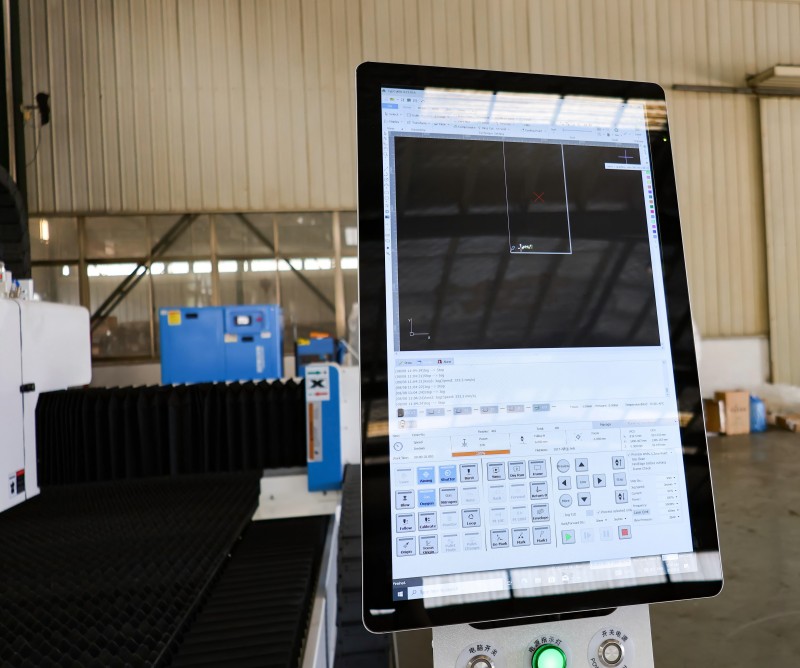
Ensures Consistent Performance
Regular maintenance helps prevent errors, software glitches, and miscommunication between the laser cutting controller and the machine, ensuring accurate operation, consistent performance, and high-quality cuts over extended periods.
Protects Sensitive Components
Laser cutting controllers house sensitive circuits and processors that are vulnerable to dust, debris, and improper handling. Performing routine maintenance safeguards these critical components, preventing malfunctions and ensuring reliable, long-term operation of the laser system.
Reduces Downtime
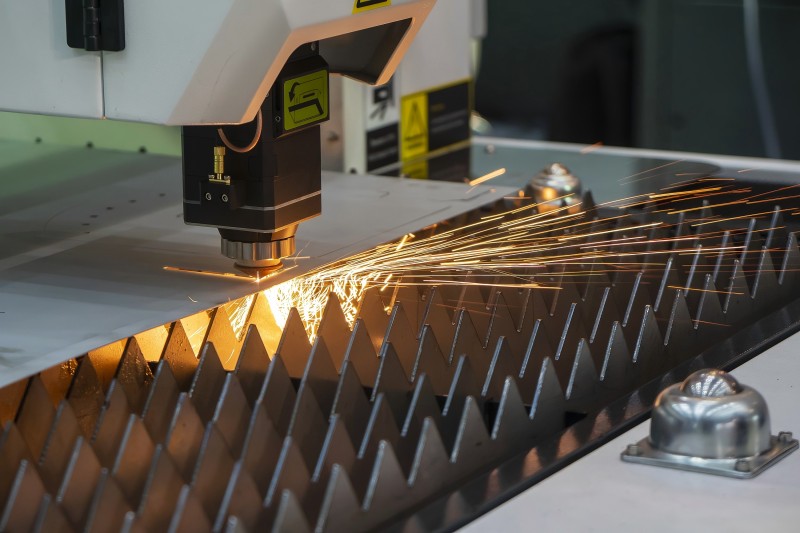
Proactive maintenance minimizes the likelihood of unexpected system failures, ensuring your laser cutting controller operates smoothly and your production line remains efficient, reliable, and consistently delivers high-quality results.
Step-by-Step Laser Cutting Controller Maintenance
Step 1: Power Down and Safety Precautions
Before performing any maintenance, ensure the machine is powered off and unplugged. Use anti-static precautions when handling internal components to prevent electrical damage.
Step 2: Clean External Surfaces
Use a soft, dry cloth to remove dust and fingerprints from the controller’s screen and casing. Avoid harsh chemicals that could damage the display or buttons.
Step 3: Inspect Connections and Wiring
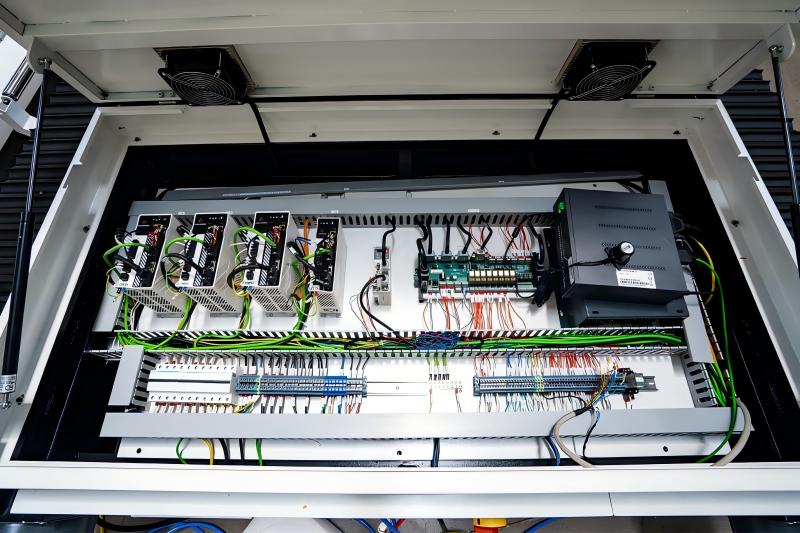
Check all cable connections, terminals, and wiring for signs of wear, corrosion, or loose contacts. Tighten or replace components as needed to prevent intermittent failures.
Step 4: Check Cooling Systems
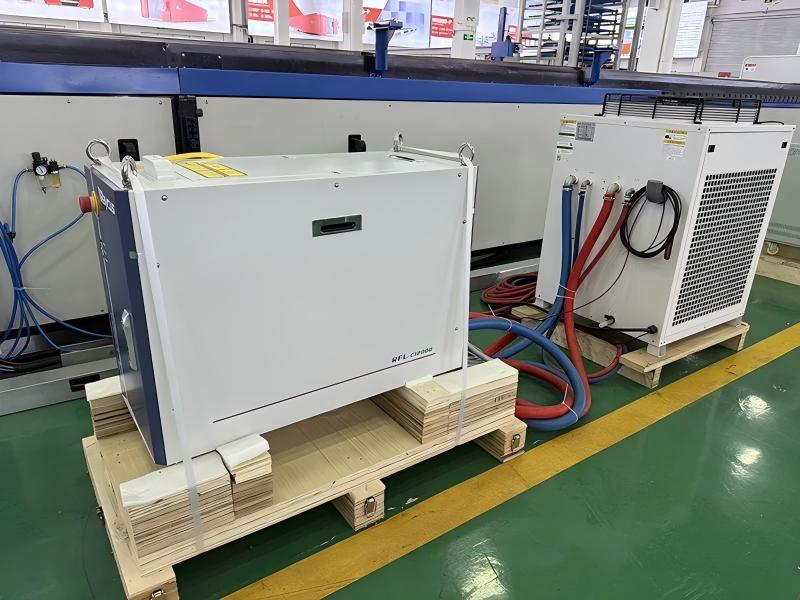
Many laser cutting controllers use fans or heat sinks to regulate operating temperatures. Regularly cleaning fans, vents, and filters prevents overheating, ensures stable performance, and prolongs the lifespan of the controller components.
Step 5: Update Software and Firmware
Regularly check for controller software and firmware updates. These updates often improve stability, performance, and compatibility with newer laser modules.
Step 6: Test Controller Functionality
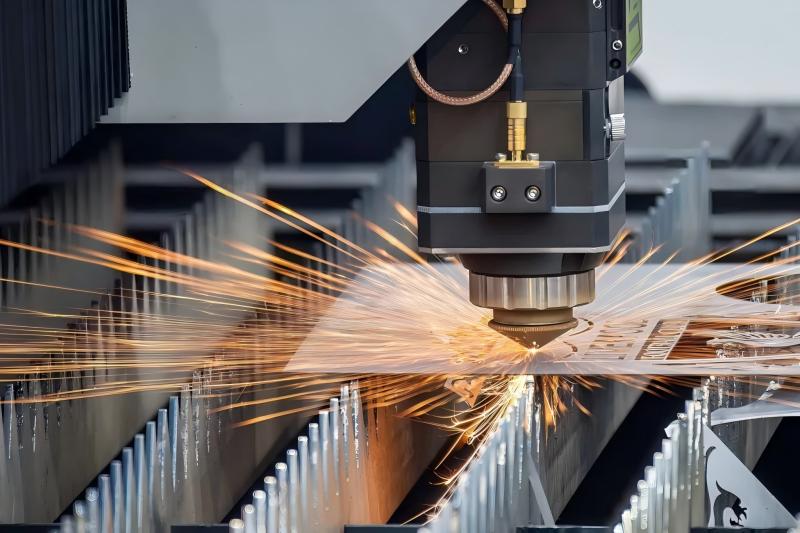
After maintenance, power on the machine and verify that all functions, including axis movement, program execution, and sensor readings, operate correctly.
Best Practices for Long-Term Controller Care
Schedule Routine Maintenance
Establish a maintenance schedule based on hours of operation. For high-volume use, monthly inspections are recommended, while light-duty machines may require quarterly checks.
Protect from Environmental Factors
Controllers should be kept in a clean, dry environment. Avoid exposure to moisture, excessive dust, or temperature extremes that could shorten component life.
Train Operators
Operators should understand basic controller care, including proper shutdown procedures, safe handling, and how to report issues promptly.
Perguntas frequentes
How often should I clean my laser cutting controller?
I recommend wiping external surfaces weekly and performing detailed inspections monthly to ensure optimal performance.
Can improper controller maintenance affect cutting accuracy?
Yes, dust, overheating, or loose connections can lead to axis errors, misalignment, or inconsistent laser output, impacting cut quality.
What should I do if the controller shows error messages after maintenance?
Verify all connections, check for software updates, and consult the user manual. Persistent errors may require professional service.
Conclusão
Adequado Laser Cutting Controller Maintenance is key to reliable, precise, and efficient laser cutting operations. By following these steps—cleaning, inspecting, updating, and monitoring—you can prevent downtime, protect sensitive components, and maintain high-quality output. Regular care not only extends the life of your controller but also ensures smooth, accurate production. For detailed support or further guidance, contact our technical team to keep your laser cutting system performing at its best.


