


Optical Path Contamination in Laser Cutter systems is one of the most common reasons for reduced cutting quality and unstable machine performance. If you’ve noticed weaker laser power, poor cutting edges, or frequent lens damage, contamination inside the optical path may be the root cause. In this article, I’ll explain how optical path contamination occurs, how it affects laser cutting performance, and the practical steps I recommend to prevent it. By maintaining a clean optical system, you can improve cutting precision, extend component lifespan, and reduce unexpected downtime in your production process.
What Causes Optical Path Contamination in Laser Cutter Systems?
Laser cutting machines rely on a clean and stable optical system to deliver precise energy to the workpiece. Once contamination enters the optical path, cutting quality quickly declines.
Dust and Smoke Accumulation
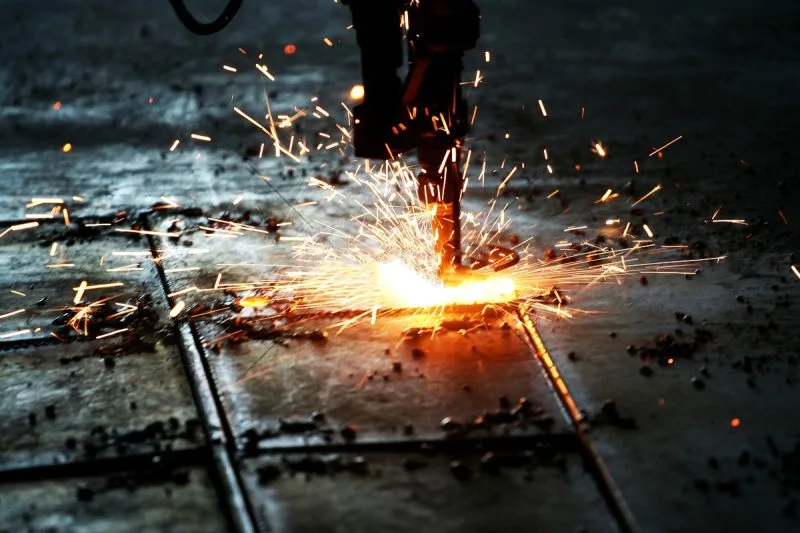
During laser cutting, metal particles, smoke, and dust are generated continuously. If the extraction system is insufficient, contaminants can settle on mirrors and protective lenses.
Improper Lens Cleaning Methods
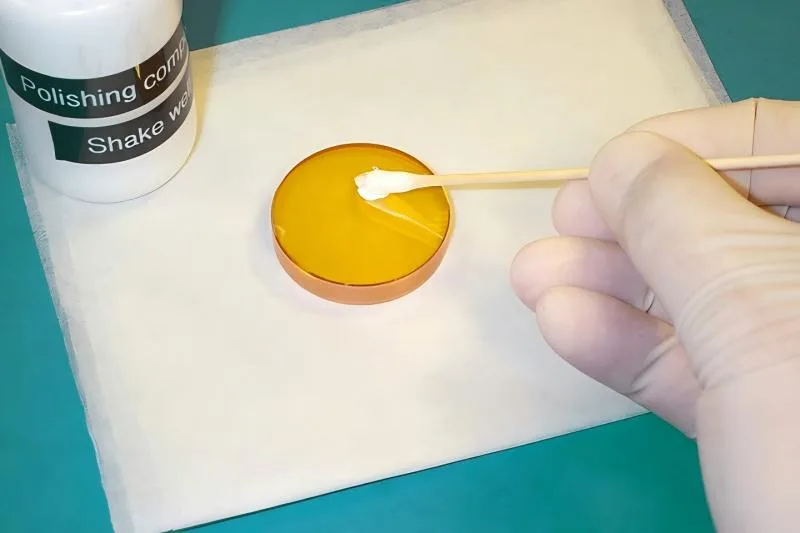
Using rough cloths or unsuitable cleaning liquids can scratch optical surfaces and leave residue on the lenses.
Poor Workshop Environment
A dirty workshop with excessive airborne particles increases the risk of contamination entering the optical path system.
Cooling System Problems
If the cooling system fails or water quality is poor, condensation and impurities may affect optical components.
How Optical Path Contamination Affects Laser Cutting Performance
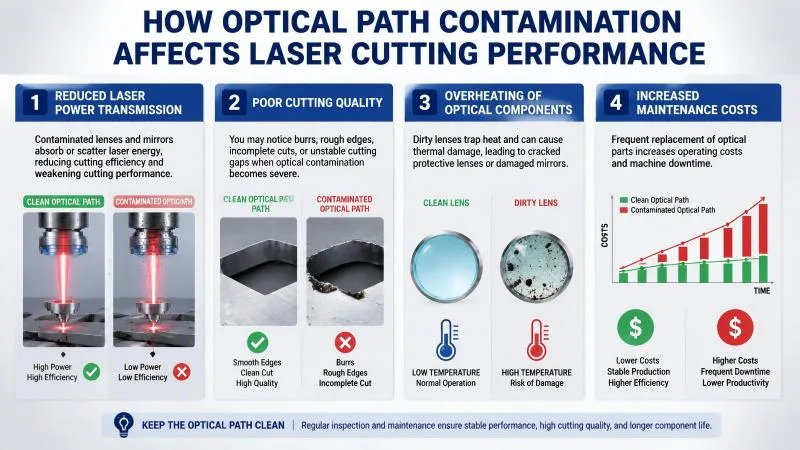
Reduced Laser Power Transmission
Contaminated lenses and mirrors absorb or scatter laser energy, reducing cutting efficiency and weakening cutting performance.
Poor Cutting Quality
You may notice burrs, rough edges, incomplete cuts, or unstable cutting gaps when optical contamination becomes severe.
Overheating of Optical Components
Dirty lenses trap heat and can cause thermal damage, leading to cracked protective lenses or damaged mirrors.
Increased Maintenance Costs
Frequent replacement of optical parts increases operating costs and machine downtime.
Step-by-Step Guide to Prevent Optical Path Contamination in Laser Cutter
Step 1: Keep the Working Environment Clean
I always recommend maintaining a clean workshop environment. Reduce airborne dust and ensure proper ventilation around the laser cutter.
Step 2: Inspect the Optical Components Regularly
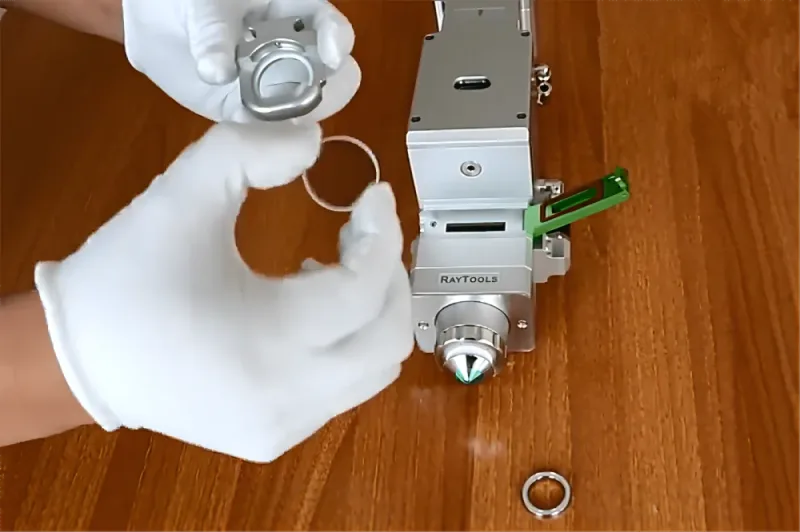
Check protective lenses, mirrors, and nozzles daily for signs of contamination. Early detection prevents severe optical damage.
Step 3: Use Proper Cleaning Materials
Only use lint-free wipes and approved optical cleaning solutions. Avoid touching optical surfaces directly with your hands.
Step 4: Maintain the Dust Extraction System
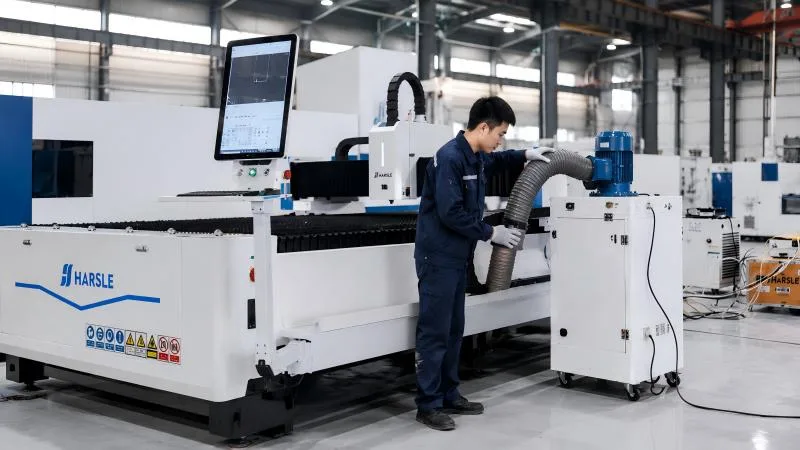
An efficient smoke and dust extraction system is critical. Clean filters regularly to ensure proper airflow and contaminant removal.
Step 5: Monitor the Cooling System
Ensure the water chiller operates correctly and use purified water to avoid impurities that may affect optical stability.
Step 6: Replace Damaged Protective Lenses Promptly
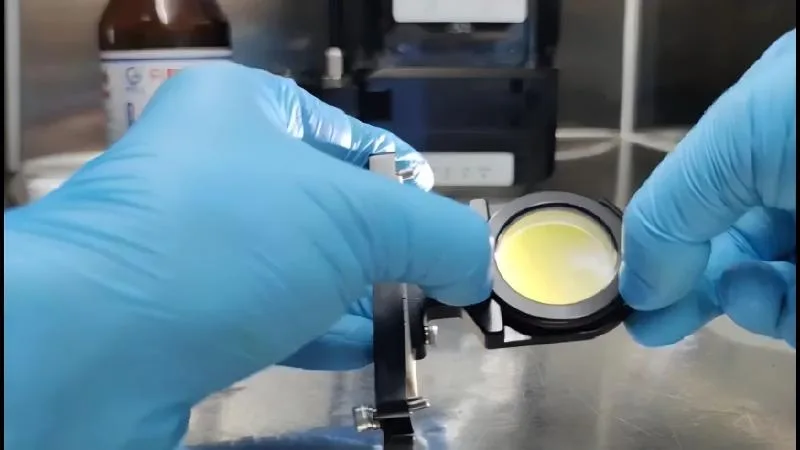
If you notice burn marks, scratches, or discoloration, replace the protective lens immediately to prevent further contamination.
Preventive Maintenance Tips for Laser Optical Systems
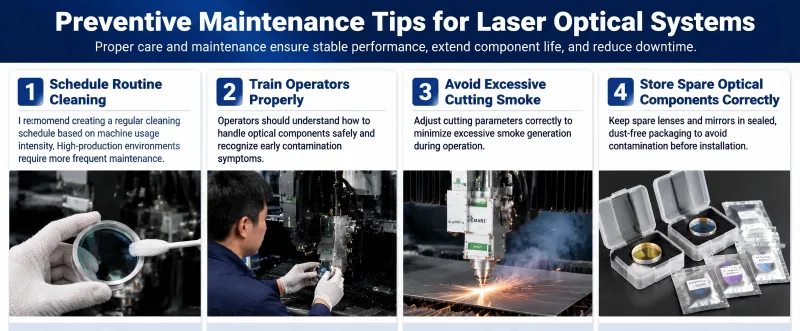
Schedule Routine Cleaning
I recommend creating a regular cleaning schedule based on machine usage intensity. High-production environments require more frequent maintenance.
Train Operators Properly
Operators should understand how to handle optical components safely and recognize early contamination symptoms.
Avoid Excessive Cutting Smoke
Adjust cutting parameters correctly to minimize excessive smoke generation during operation.
Store Spare Optical Components Correctly
Keep spare lenses and mirrors in sealed, dust-free packaging to avoid contamination before installation.
Często zadawane pytania
What are the signs of Optical Path Contamination in Laser Cutter systems?
Common signs include reduced cutting power, rough cutting edges, lens overheating, unstable cutting performance, and frequent protective lens damage.
How often should I clean laser cutter optical components?
It depends on machine usage, but I recommend inspecting and cleaning optical components daily in high-production environments.
Can dirty lenses damage the laser cutting machine?
Yes. Dirty lenses absorb heat, which can lead to lens cracking, mirror damage, and unstable laser output.
Wniosek
Preventing Optical Path Contamination in Laser Cutter systems is essential for maintaining stable cutting quality and maximizing machine lifespan. By keeping the workshop clean, inspecting optical components regularly, maintaining the extraction system, and using proper cleaning methods, you can significantly reduce contamination risks.
Consistent preventive maintenance not only improves production efficiency but also lowers operating costs by extending the life of expensive optical components. If you need technical support or professional maintenance advice for your laser cutting machine, feel free to contact our team. We’re always ready to help you achieve reliable and high-quality laser cutting performance.


