


Cortadora láser Cut Through Metal Sheet problems are among the most common issues faced by laser machine operators. If your laser cutter suddenly struggles to penetrate metal, leaves uncut sections, or produces poor-quality cuts, you’re not alone. In my experience, this issue can be caused by several factors, including insufficient laser power, incorrect cutting parameters, nozzle contamination, optical component problems, or assist gas issues. In this guide, I’ll explain the most common reasons why a laser cutter fails to cut through metal sheets and provide practical troubleshooting steps to restore cutting performance quickly and efficiently.
Common Reasons Why a Cortadora láser Cannot Cut Through Metal Sheet
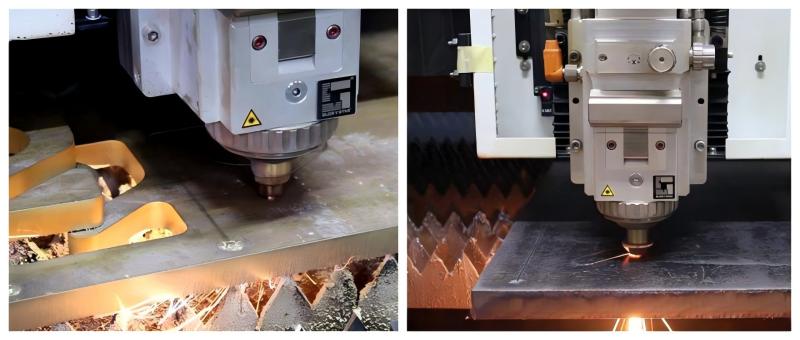
Insufficient Laser Power Output
One of the first things I check is whether the laser source is delivering the expected power. Over time, laser components may degrade, resulting in reduced cutting capability.
Los signos comunes incluyen:
- Incomplete cuts
- Excessive burr formation
- Reduced cutting speed
- Difficulty cutting thicker materials
If the machine previously cut the same material successfully but now struggles, laser power degradation may be the cause.
Incorrect Cutting Parameters
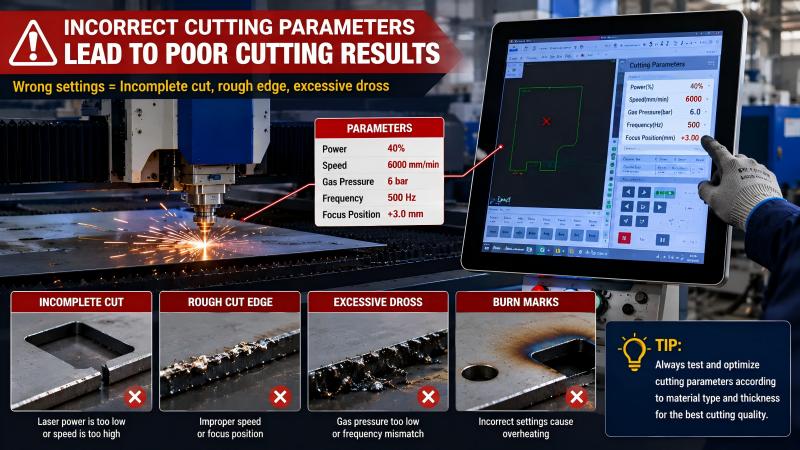
Improper settings are another major reason a laser cutter cannot cut through metal sheet effectively.
Parameters that should be verified include:
- Laser power percentage
- Velocidad de corte
- Frecuencia de pulso
- Focus position
- Assist gas pressure
Even a slight deviation in settings can significantly affect cutting performance, especially when processing stainless steel or thick carbon steel.
Dirty or Damaged Nozzle
The nozzle directs assist gas to the cutting zone. When it becomes contaminated or damaged, gas flow becomes unstable.
Los síntomas comunes incluyen:
- Incomplete penetration
- Rough cut edges
- Excessive dross
- Irregular kerf width
Regular nozzle inspection is essential for maintaining optimal cutting quality.
Contaminated Protective Lens
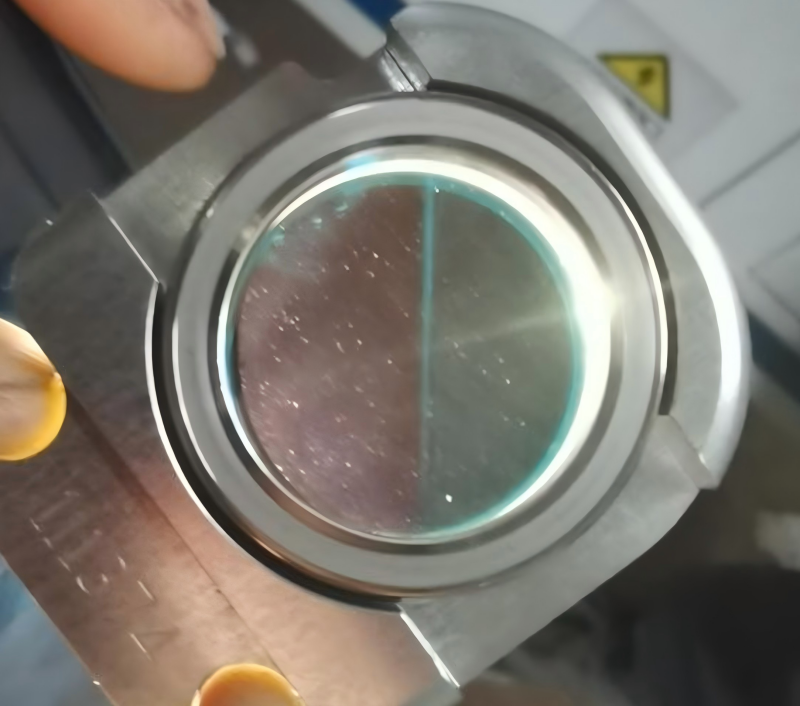
A dirty protective lens absorbs laser energy and reduces the amount reaching the workpiece.
I often inspect the lens whenever I notice:
- Reduced cutting efficiency
- Increased heat accumulation
- Burn marks on the material
- Unexpected cutting interruptions
Cleaning or replacing the lens frequently solves the issue.
How to Troubleshoot Laser Cutter Cut Through Metal Sheet Problems
Step 1: Verify Material Specifications
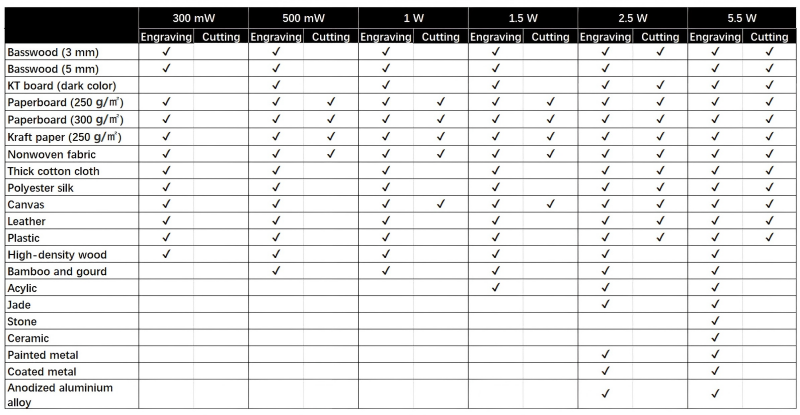
Before adjusting the machine, I confirm the material type and thickness.
Check:
- Material grade
- Espesor de la chapa
- Surface coating condition
- Material flatness
Certain coated or reflective materials may require different cutting parameters.
Step 2: Inspect Laser Power Output
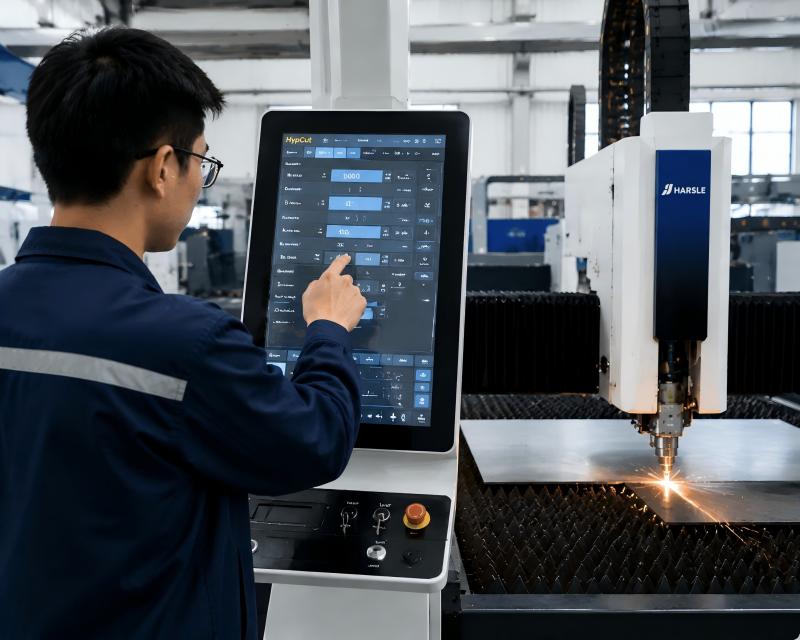
Use the machine’s diagnostic tools or a power meter to verify actual laser output.
If the measured power is significantly below the rated value:
- Inspect the laser source
- Check optical components
- Review maintenance records
Low power directly affects penetration capability.
Step 3: Check Focus Position
Improper focus settings are a frequent cause of cutting failures.
To optimize focus:
- Perform a focus test.
- Compare kerf widths.
- Adjust the focal point according to material thickness.
- Save the optimized parameters.
Proper focus ensures maximum energy density at the cutting point.
Step 4: Examine the Nozzle Condition
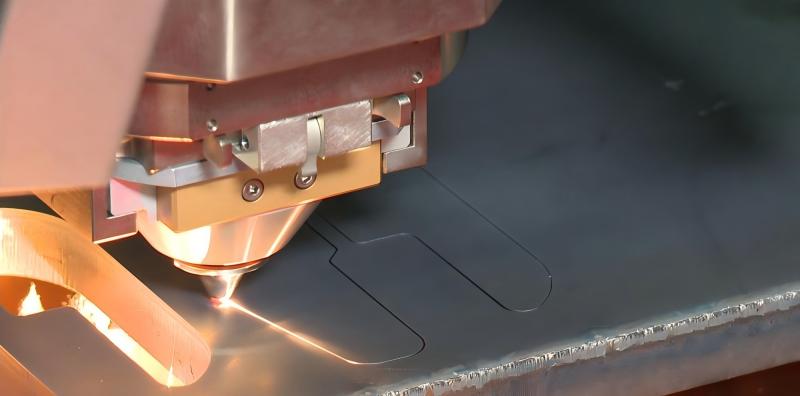
Remove and inspect the nozzle carefully.
Buscar:
- Spatter buildup
- Deformation
- Blocked openings
- Desalineación
Replace damaged nozzles immediately to restore stable gas flow.
Step 5: Verify Assist Gas Pressure
Assist gas plays a critical role in ejecting molten material from the cut.
For best results:
- Check gas purity.
- Verify pressure settings.
- Inspect gas supply lines.
- Ensure regulators function correctly.
Insufficient gas pressure often causes incomplete cuts and excessive slag.
Step 6: Clean Optical Components
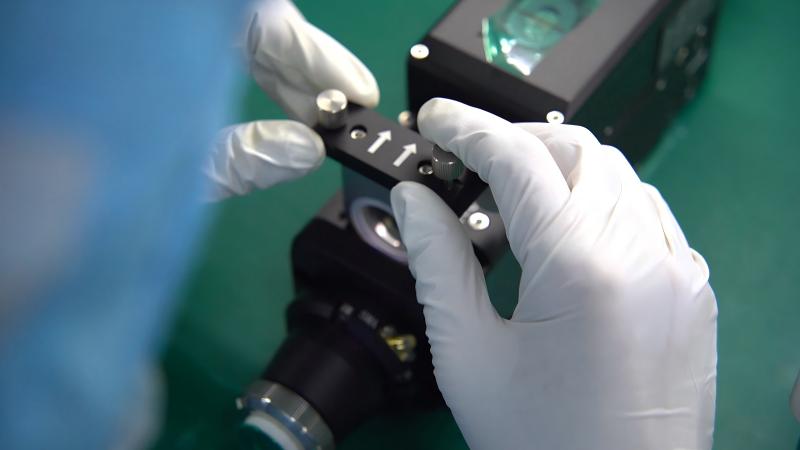
Dirty optics reduce laser transmission efficiency.
Inspect and clean:
- Protective lenses
- Collimating lenses
- Focusing lenses
- Laser window surfaces
Always use approved cleaning materials to avoid damaging optical coatings.
Preventive Maintenance Tips to Avoid Cutting Failures
Perform Daily Machine Inspections
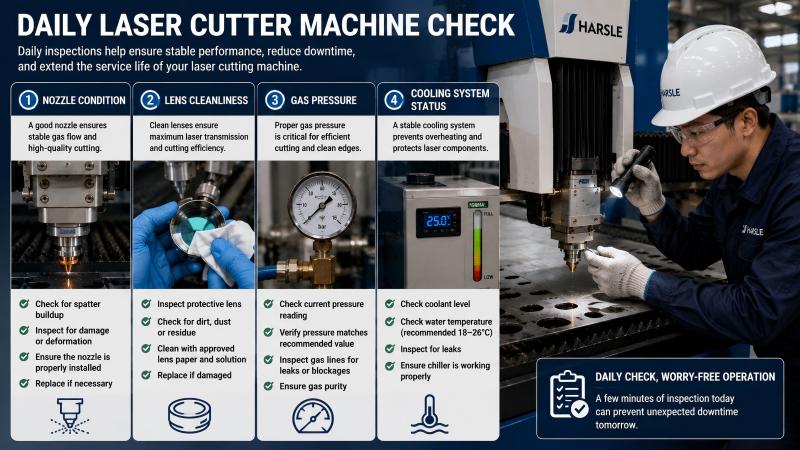
I recommend checking:
- Nozzle condition
- Lens cleanliness
- Presión de gas
- Cooling system status
These quick inspections help identify problems before production is affected.
Maintain Proper Cooling System Performance
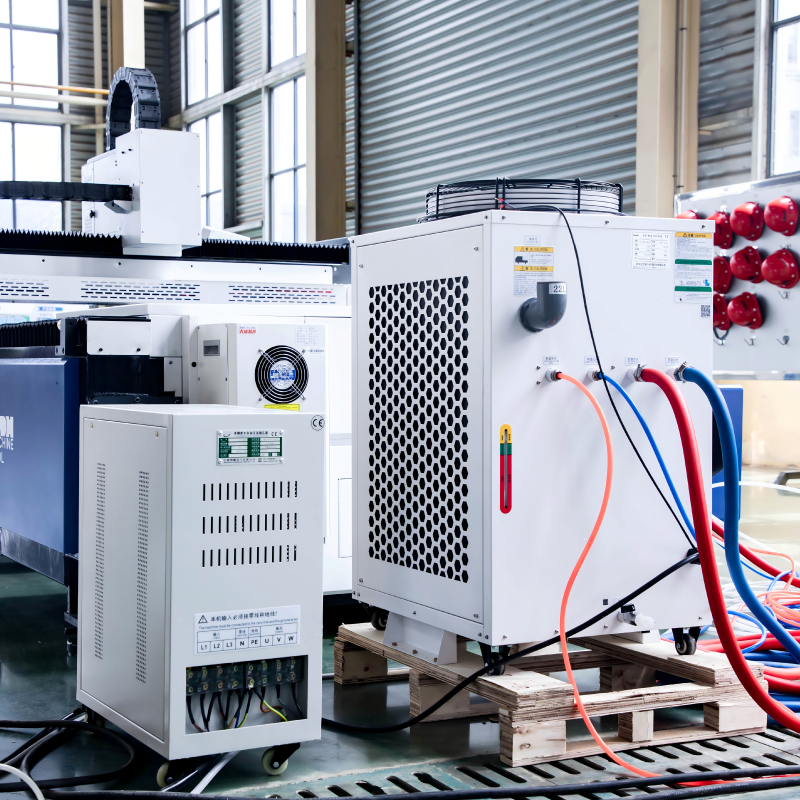
Overheating can reduce laser performance and damage sensitive components.
Regularly inspect:
- Water temperature
- Coolant quality
- Chiller operation
- Water flow rates
A stable cooling system ensures consistent cutting power.
Follow Recommended Maintenance Intervals
Routine maintenance keeps the machine operating at peak efficiency.
Key tasks include:
- Cleaning optics
- Replacing filters
- Inspecting cables
- Checking servo systems
- Calibrating cutting heads
Preventive maintenance significantly reduces unexpected downtime.
Preguntas frecuentes
Why can’t my laser cutter cut through metal sheet even at full power?
Full power does not always guarantee successful cutting. Dirty lenses, incorrect focus settings, poor gas pressure, or nozzle damage can prevent the laser from fully penetrating the material.
How often should I clean the protective lens?
The cleaning frequency depends on machine usage and material type. For high-volume production, I recommend inspecting the lens daily and cleaning it whenever contamination is visible.
Can low assist gas pressure cause incomplete cuts?
Yes. Insufficient assist gas pressure prevents molten material from being expelled effectively, resulting in incomplete penetration, slag buildup, and poor edge quality.
Conclusión
Cuando un Laser Cutter Cut Through Metal Sheet problem occurs, the root cause is often related to laser power, cutting parameters, focus position, nozzle condition, assist gas pressure, or optical contamination. By following a systematic troubleshooting process and performing regular maintenance, you can quickly identify the source of the problem and restore cutting performance.
Consistent inspections, proper parameter optimization, and preventive maintenance are the keys to reliable laser cutting operations. If you need additional support diagnosing laser cutting issues or optimizing machine performance, feel free to contact the HARSLE technical team for professional assistance and guidance.


