


Laser Cooling Fan Maintenance is essential for keeping máquinas de corte por láser running efficiently and safely. Cooling fans play a critical role in dissipating heat from electrical cabinets, laser sources, servo systems, and control components. If you’re wondering how to properly maintain these fans and avoid overheating problems, you’re in the right place. In this article, I’ll guide you through practical maintenance methods, common troubleshooting techniques, and preventive care strategies to help extend the lifespan of your máquina láser while maintaining stable cutting performance.
Why Laser Cooling Fan Maintenance Is Important
Prevents Overheating of Critical Components
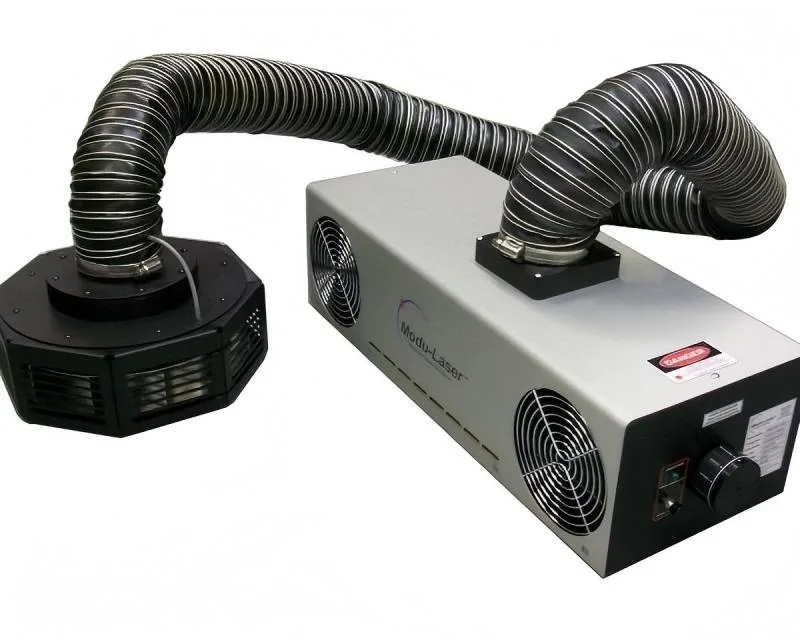
Cooling fans remove excess heat from the laser source, electrical cabinet, and motion control system. Without proper airflow, internal temperatures can rise rapidly and damage sensitive components.
Maintains Stable Cutting Performance
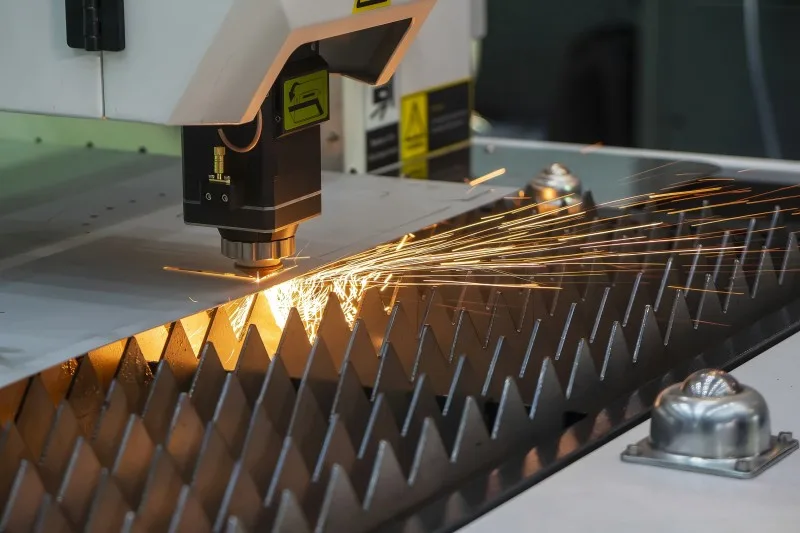
Overheated electrical systems may cause unstable laser output, positioning errors, or unexpected shutdowns. Proper cooling ensures consistent cutting quality and machine reliability.
Extends Equipment Lifespan
Routine Laser Cooling Fan Maintenance reduces stress on electronic components and minimizes the risk of premature failure.
Reduces Downtime and Repair Costs
Replacing a damaged servo drive or laser source is far more expensive than maintaining cooling fans regularly. Preventive maintenance helps avoid costly production interruptions.
Common Causes of Cooling Fan Failure
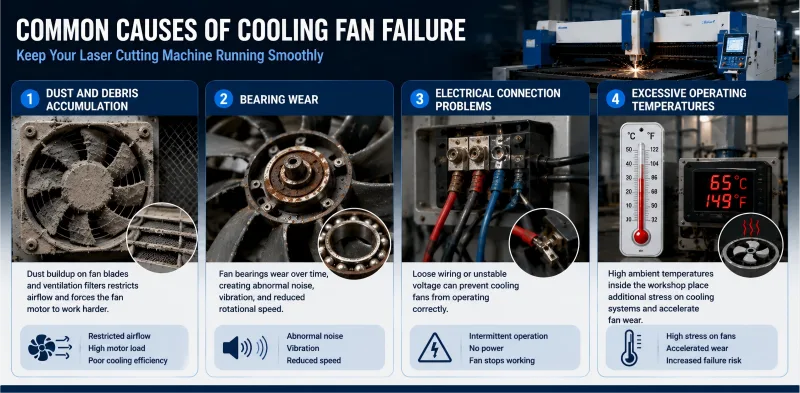
Dust and Debris Accumulation
Dust buildup on fan blades and ventilation filters restricts airflow and forces the fan motor to work harder.
Bearing Wear
Fan bearings wear over time, creating abnormal noise, vibration, and reduced rotational speed.
Electrical Connection Problems
Loose wiring or unstable voltage can prevent cooling fans from operating correctly.
Excessive Operating Temperatures
High ambient temperatures inside the workshop place additional stress on cooling systems and accelerate fan wear.
Step-by-Step Laser Cooling Fan Maintenance Guide
Step 1: Power Down the Machine Safely
Before starting any maintenance work, disconnect the machine power and follow lockout/tagout procedures to ensure operator safety.
Step 2: Inspect Cooling Fans Visually
Open the electrical cabinet and inspect all cooling fans for dust accumulation, damaged blades, loose mounts, or unusual wear.
Step 3: Clean Fan Blades and Filters
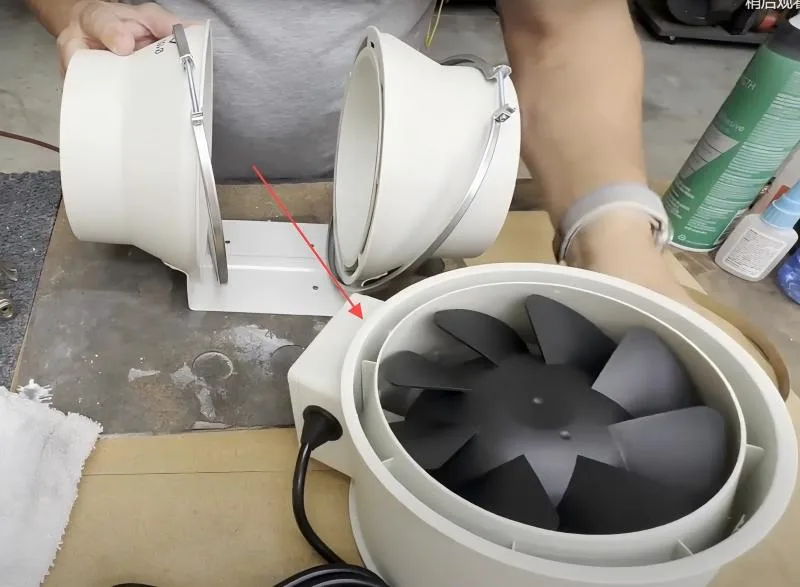
Use compressed air, a soft brush, or a vacuum cleaner to remove dust from fan blades, protective grills, and air filters. Clean airflow paths improve cooling efficiency significantly.
Step 4: Check Fan Rotation and Noise
Rotate the fan manually to ensure smooth movement. Grinding sounds or resistance often indicate worn bearings that require replacement.
Step 5: Verify Electrical Connections
Inspect wiring terminals and connectors for looseness, corrosion, or overheating marks. Secure all connections properly.
Step 6: Monitor Fan Performance During Operation
After maintenance, restart the machine and monitor fan speed, airflow, and operating temperature to confirm proper functionality.
Best Practices for Long-Term Cooling Fan Reliability
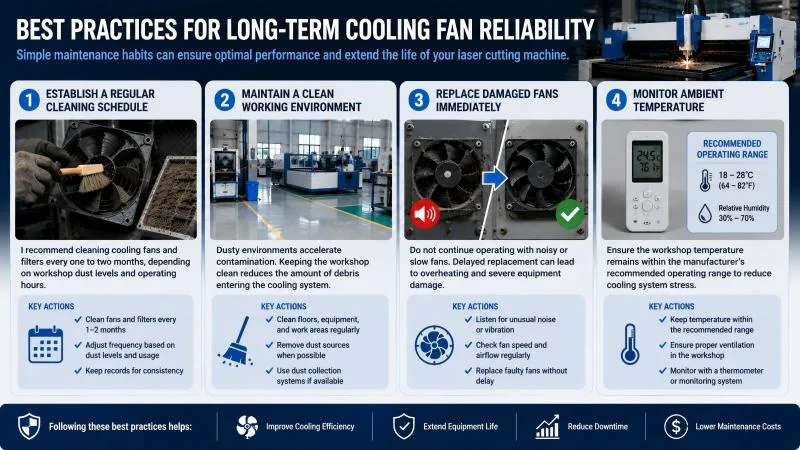
Establish a Regular Cleaning Schedule
I recommend cleaning cooling fans and filters every one to two months, depending on workshop dust levels and operating hours.
Maintain a Clean Working Environment
Dusty environments accelerate contamination. Keeping the workshop clean reduces the amount of debris entering the cooling system.
Replace Damaged Fans Immediately
Do not continue operating with noisy or slow fans. Delayed replacement can lead to overheating and severe equipment damage.
Monitor Ambient Temperature
Ensure the workshop temperature remains within the manufacturer’s recommended operating range to reduce cooling system stress.
Common Laser Cooling Fan Maintenance Mistakes
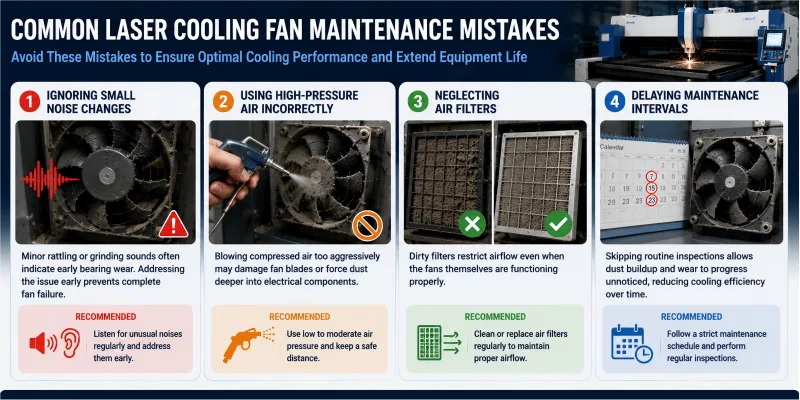
Ignoring Small Noise Changes
Minor rattling or grinding sounds often indicate early bearing wear. Addressing the issue early prevents complete fan failure.
Using High-Pressure Air Incorrectly
Blowing compressed air too aggressively may damage fan blades or force dust deeper into electrical components.
Neglecting Air Filters
Dirty filters restrict airflow even when the fans themselves are functioning properly.
Delaying Maintenance Intervals
Skipping routine inspections allows dust buildup and wear to progress unnoticed, reducing cooling efficiency over time.
Preguntas frecuentes
How often should I perform Laser Cooling Fan Maintenance?
I recommend inspecting and cleaning cooling fans every one to two months, depending on machine usage and workshop conditions.
What are the signs of a failing cooling fan?
Common signs include abnormal noise, vibration, weak airflow, overheating alarms, or inconsistent machine performance.
Can dirty cooling fans affect laser cutting quality?
Yes. Overheating caused by poor cooling can lead to unstable laser output, positioning errors, and reduced cutting precision.
Should I replace all cooling fans at the same time?
Not necessarily. However, if multiple fans show signs of wear or have similar operating hours, replacing them together may improve system reliability.
Conclusión
Proper Laser Cooling Fan Maintenance is critical for maintaining stable machine performance, protecting sensitive components, and extending equipment lifespan. By cleaning fans regularly, monitoring airflow, inspecting electrical connections, and replacing worn components promptly, you can significantly reduce overheating risks and avoid costly downtime.
Consistent preventive maintenance not only improves cooling efficiency but also ensures your laser machine continues operating with maximum precision and reliability. If you need professional support or additional maintenance guidance, feel free to contact our technical team for expert assistance.


