


A proper CNC 4 roll plate rolling machine operation is not simply about running an automatic cycle. The machine does not calculate a rolling path by itself; instead, it repeats a verified forming trajectory created by the operator. Understanding this principle is essential for stable cylinder forming and consistent production.
In real production, the first workpiece must be rolled manually. After the correct roller positions are confirmed, the values are recorded and reused in automatic mode. This guide explains how CNC 4 roll plate rolling machine operation should be performed, including preparation, parameter setting, rolling sequence, and re-trial conditions.
Machine Preparation Before Operation
Before starting the CNC 4 roll plate rolling machine operation, the machine must establish a reliable coordinate reference. All displacement values used during CNC 4-roll plate rolling machine operation depend on the origin position.
Power on the machine and start the hydraulic pump. Move the lower roller and both side rollers to their lowest positions and reset the coordinates on the control screen. This position becomes the mechanical zero.
If the origin is not reset correctly, stored programs will not correspond to the actual roller positions, and rolling accuracy cannot be maintained.
Understanding Roller Functions
A four-roll plate rolling machine forms a cylinder through coordinated displacement rather than pressure alone.
The lower roller clamps the plate and establishes a reference line.
The side rollers define curvature and final diameter.
The upper roller drives rotation and feeds the plate through the forming zone.
Because forming depends on relative position, increasing pressure cannot correct an incorrect CNC 4 roll plate rolling machine operation. Correct displacement must be established first.
Manual Trial Rolling Before Automatic Mode
The first stage of the CNC 4 roll plate rolling machine operation must always be manual rolling.
Roll one workpiece gradually while adjusting side roller positions until the seam gap becomes uniform and the roundness is correct. During this process, observe and record the displacement values displayed on the screen.
These values represent the actual forming trajectory required for the material, thickness, and diameter. Automatic mode should only be used after manual CNC 4 roll plate rolling machine operation verifies the correct forming path.
The machine does not generate the rolling shape — it reproduces a proven movement.
Parameter Setting Before Automatic Rolling
Before storing automatic data, the rolling conditions must match the material.
Enter the actual measured thickness rather than the nominal thickness, because springback varies with material condition. Set the alignment gap so the plate enters the centerline between the upper and lower rollers. Adjust the clamping coefficient to hold the plate securely without surface marking, and define the retreat length to release the plate safely after rolling.
These parameters define rolling conditions, while the recorded displacement defines the rolling trajectory in CNC 4 roll plate rolling machine operation.
Automatic Rolling Procedure
After the manual trial piece is verified, the machine executes the same forming path during CNC 4 roll plate rolling machine operation. The following sequence corresponds to the actual forming process.
Plate Alignment
The plate enters the rollers and establishes the reference position.
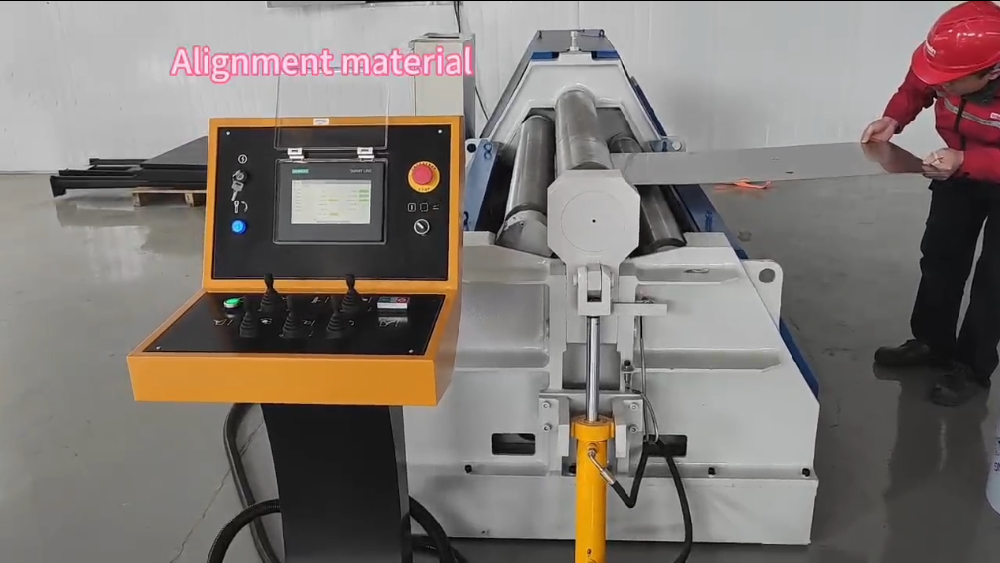
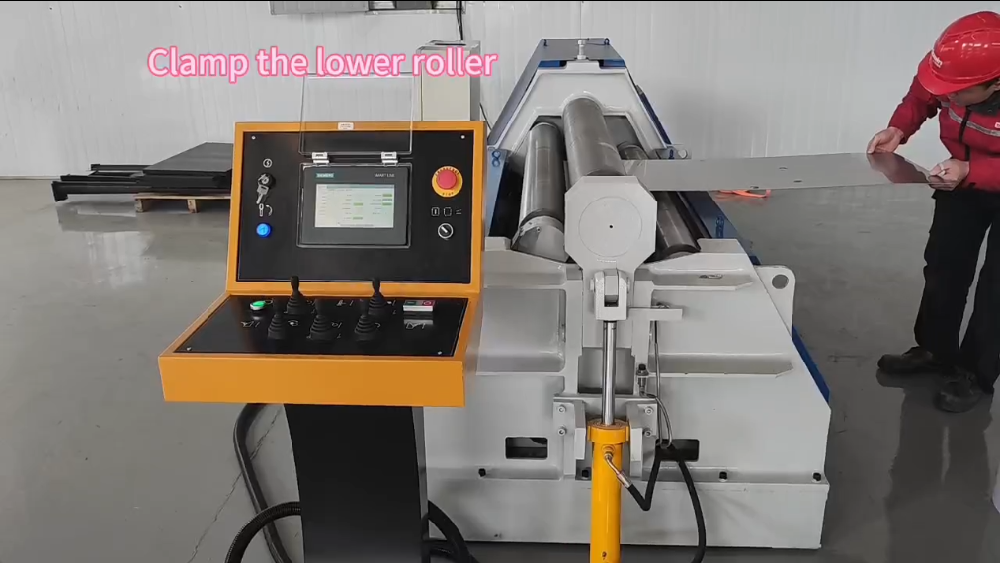
Plate Clamping
The lower roller lifts and clamps the plate to prevent slipping.
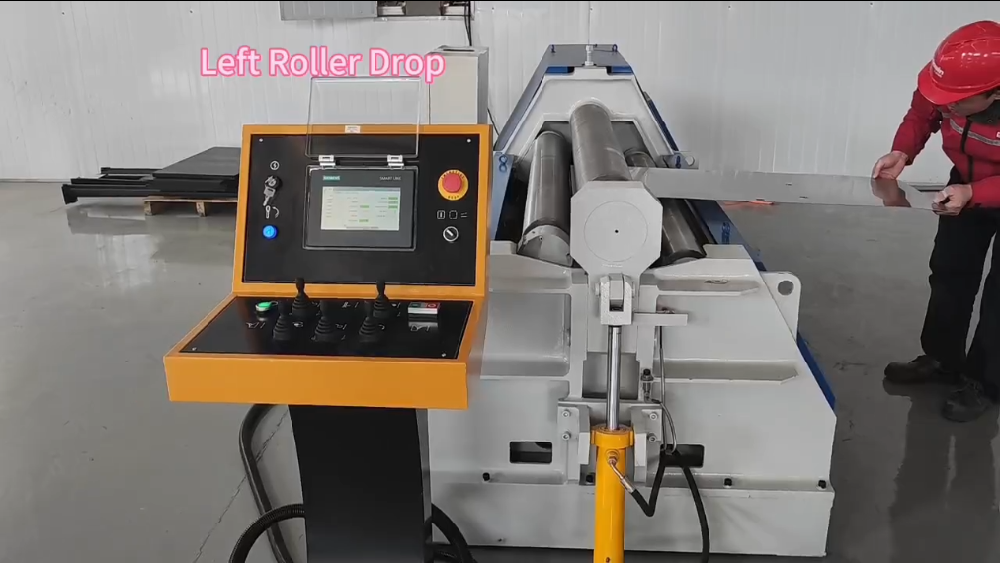
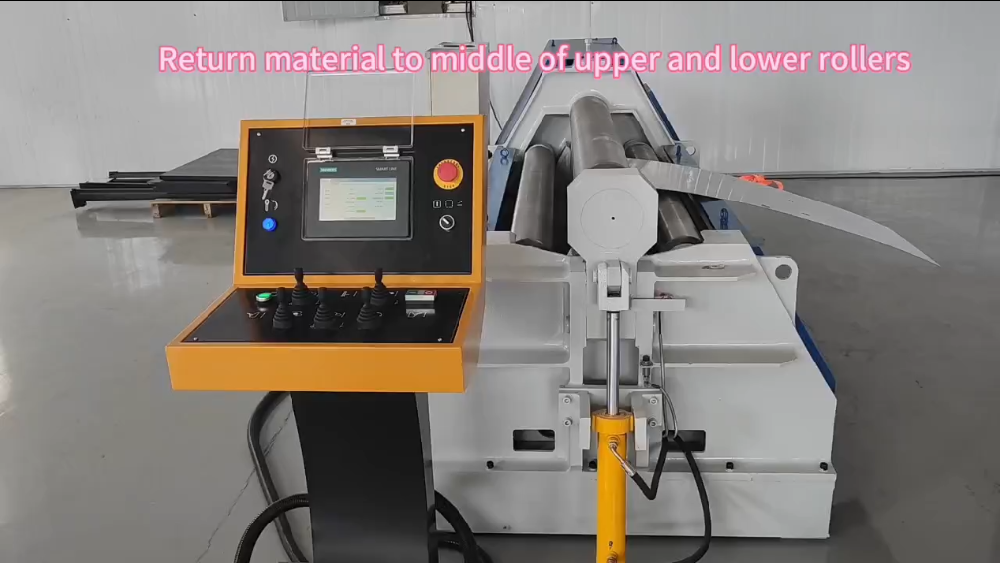
Initial Roller Positioning
The side roller moves to the programmed starting position. The plate rotates until it reaches the middle of the upper and lower rollers.
First End Prebending
One side roller rises to remove the straight edge at the leading end.
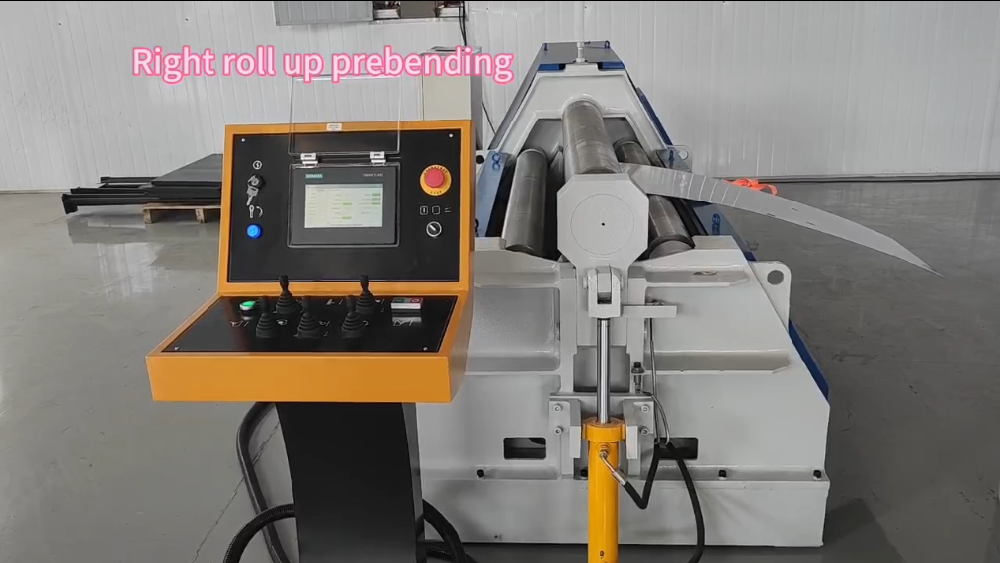
Reset Position
The roller returns to its programmed position before continuous rolling. The opposite side roller rises progressively while the plate feeds forward to form the cylinder.
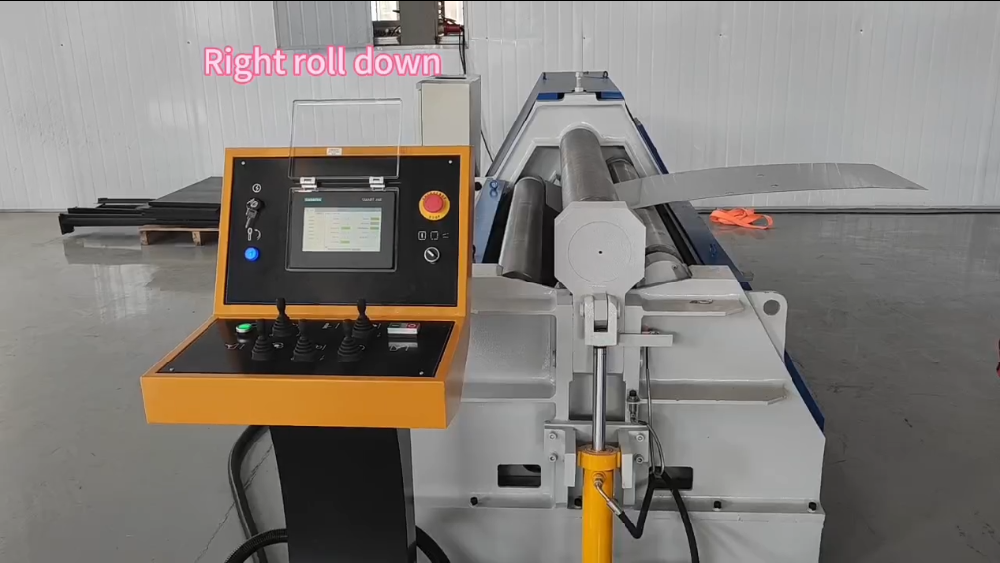
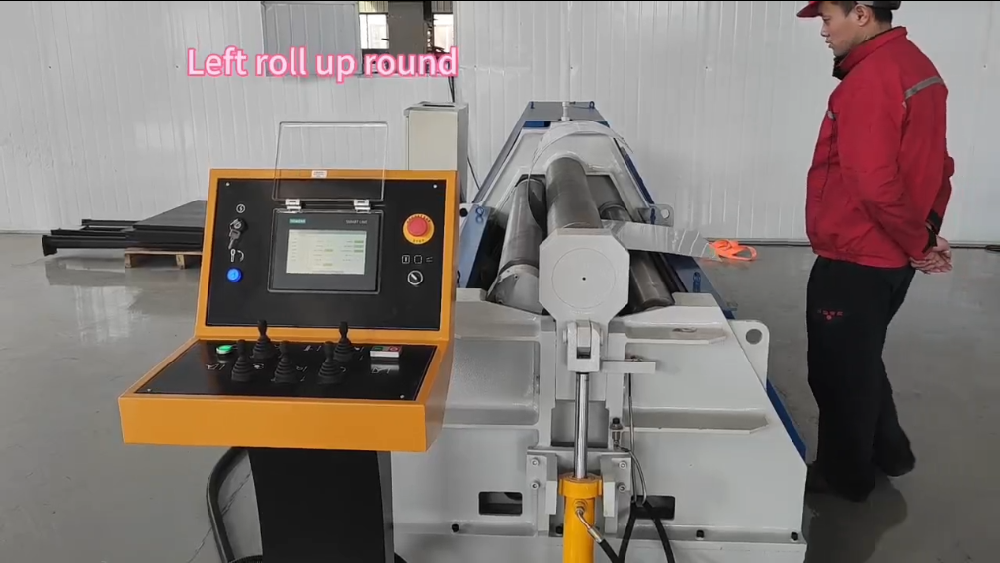
Reverse Prebending
Rotation reverses to eliminate the remaining straight edge.
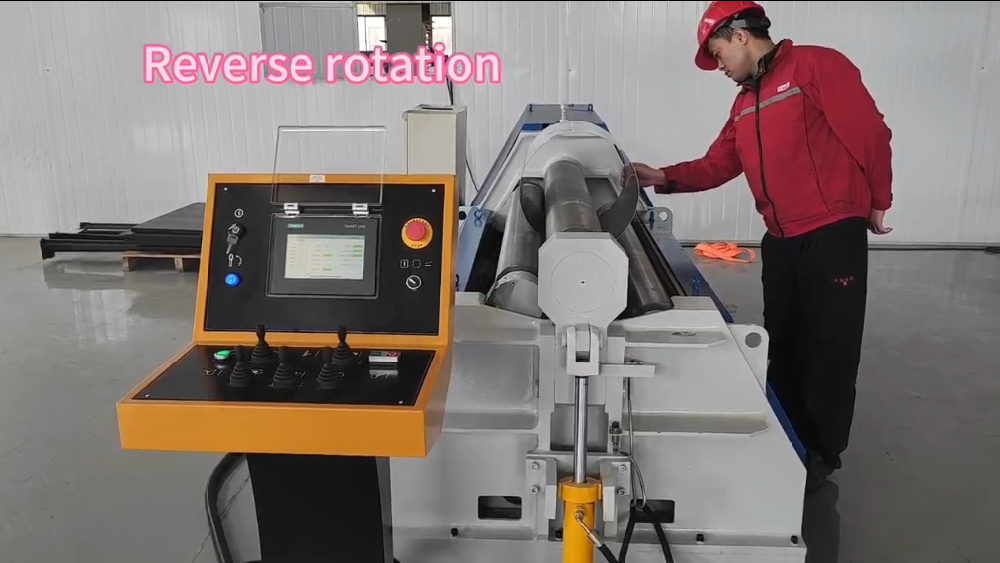
Release
The roller lowers, and pressure is released.
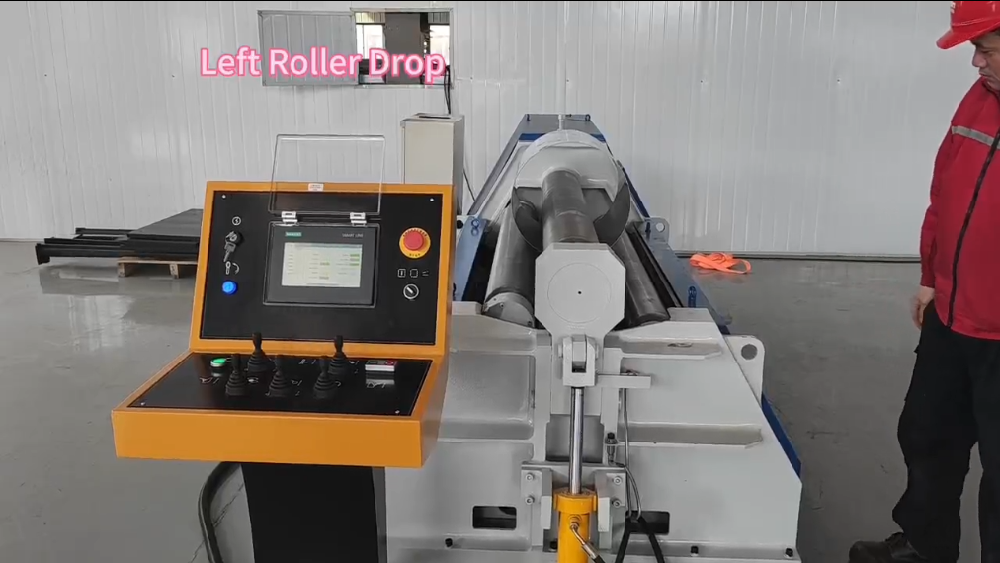
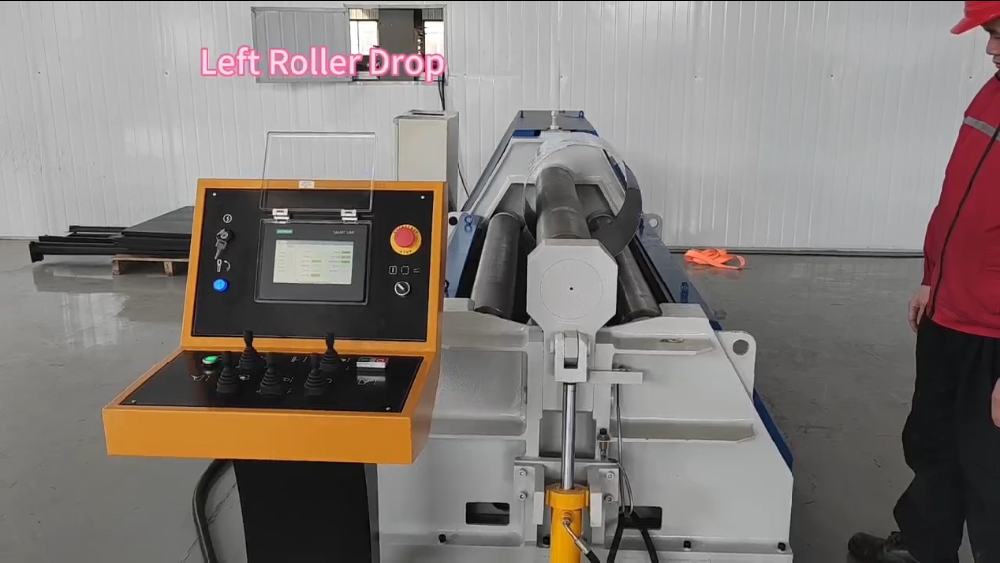
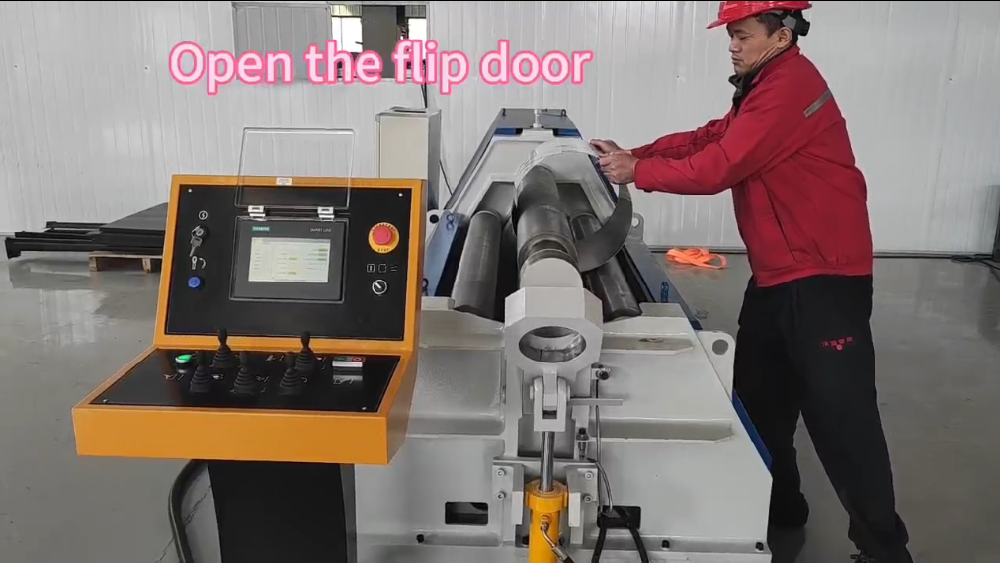
Workpiece Removal
Lower the bottom roller and open the tipping frame to remove the cylinder safely.
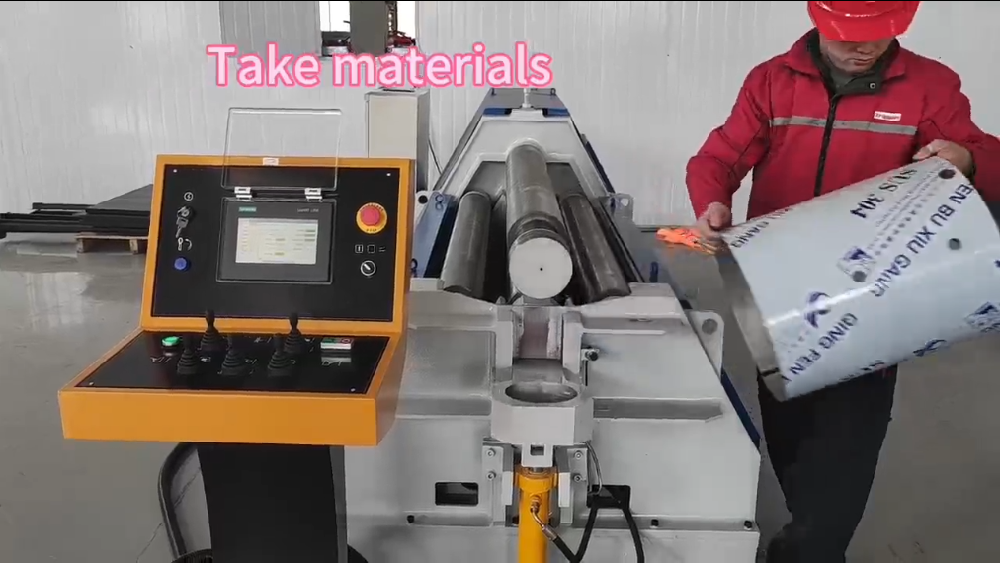
Because the CNC 4 roll plate rolling machine operation repeats the recorded motion, identical parts can be produced consistently.
Compensation Adjustment
If seam gaps differ along the cylinder, roller parallelism is incorrect. During CNC 4 roll plate rolling machine operation, compensation should be applied to the lower side of the roller until both displacement readings match.
Correct compensation improves roundness without increasing rolling force.
When a New Trial Rolling Is Required
Stored programs remain valid only when the forming conditions remain unchanged. CNC 4 roll plate rolling machine operation must return to manual mode when:
- Plate thickness changes
- Material type changes
- Target diameter changes
- Plate width changes significantly
- Rollers are serviced or replaced
After a new correct workpiece is produced, save the updated displacement values as a new program.
Common Operating Mistakes
Many rolling problems occur when the automatic mode is used without proper verification. Incorrect thickness input, missing origin reset, or adjusting pressure instead of roller position often causes oval shapes.
Understanding CNC 4 roll plate rolling machine operation prevents repeated trial-and-error adjustments.
Conclusion
Stable CNC 4 roll plate rolling machine operation depends on a verified forming trajectory rather than automatic calculation. The operator establishes the correct roller displacement manually and the machine repeats the same motion during production.
When origin setting, parameter matching, and compensation adjustment are performed correctly, identical cylinders can be produced efficiently with minimal manual intervention.


