


A multi-V die offers several V-openings on one tool. For a channel-shaped part, choose the opening using the tooling chart for the material and thickness, then check clearance for the second bend after the first flange has been formed.
Canaux de pliage sur matrice Multi-V
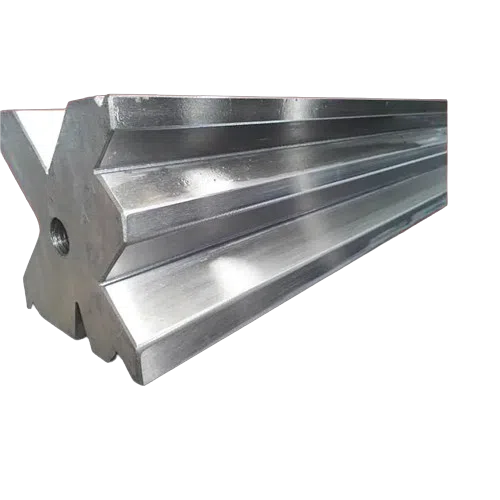
The HARSLE video below shows an example of a multi-V die setup. Use the tooling chart and the machine manual to identify the applicable opening and tooling arrangement for your part.
Check the part against the tooling chart
Use the part drawing to identify the material, thickness, inside radius, bend angle and flange lengths. Compare those requirements with the die maker’s minimum flange and the required force for the selected opening. Confirm that the punch, die and press brake are rated for the job.
A V-opening affects the supported flange length and the inside radius produced in air bending. Changing openings can also change the force and the resulting bend, so retain the exact tooling identification with the job setup.
Check clearance before repeating the part
Review how the formed first flange will pass the punch, die and backgauge on the second bend. Verify the final dimensions and angle on the first part using the approved setup for your machine.
For the machine-side demonstration of selecting a different die opening, see how to change the V-opening on a multi-V die.


