


When I talk to customers about keeping their machines stable and efficient, one topic always comes up: the Cooling System in Cortador a laser. If you’re wondering how to maintain it properly, you’re in the right place. A well-maintained cooling system ensures consistent laser performance, prevents overheating, and extends the life of critical components like the laser source and optics. In this guide, I’ll walk you through practical steps, daily habits, and troubleshooting tips so you can keep your laser cutter running at peak performance with minimal downtime.
Why Cooling System Maintenance Matters in Cortador a laser Operação
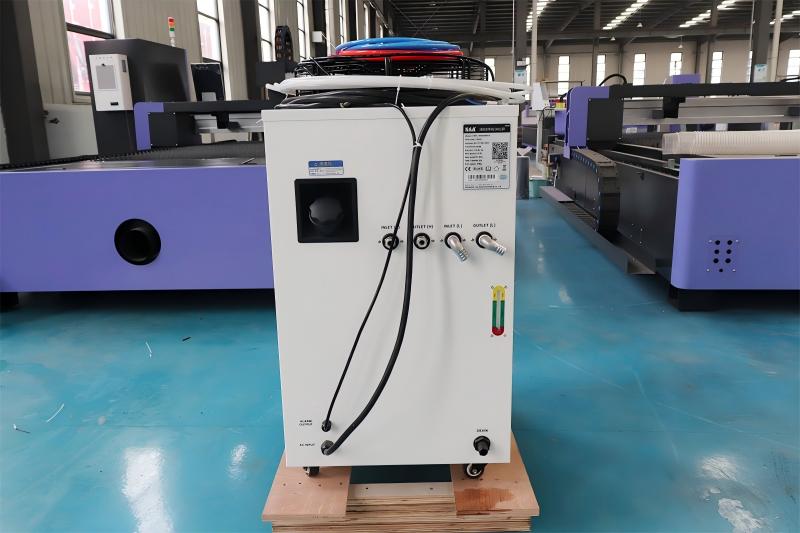
The Cooling System in Laser Cutter plays a critical role in heat dissipation. Laser cutting generates significant thermal energy, especially in high-power fiber or CO₂ machines. If this heat is not effectively managed, it can lead to unstable cutting quality, reduced laser output, or even permanent damage to the laser source.
By maintaining the cooling system properly, I can ensure:
- Stable cutting precision and edge quality
- Longer lifespan of the laser generator
- Reduced machine downtime and repair costs
Ignoring cooling system maintenance is one of the most common reasons for unexpected production interruptions.
How to Maintain Cooling System in Laser Cutter Step by Step
Step 1: Check Coolant Level and Quality Regularly
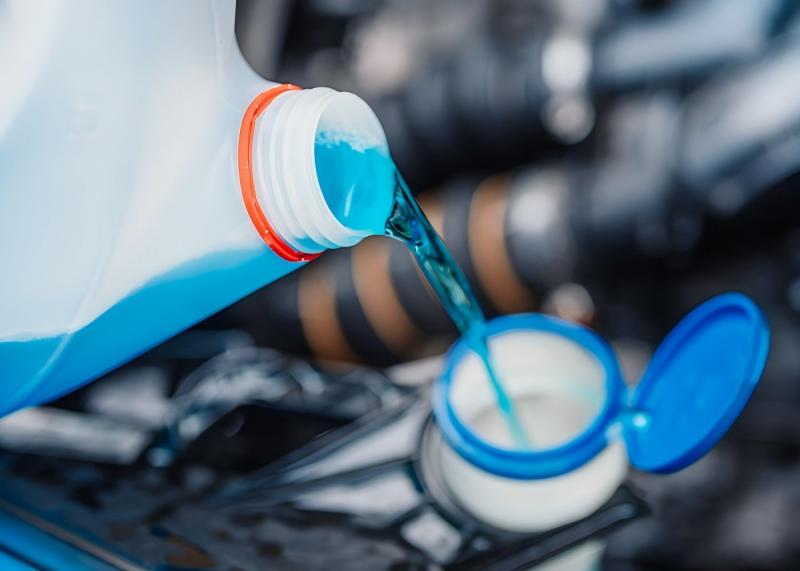
I always start with the basics—checking the coolant. The cooling system depends on a consistent supply of clean coolant to regulate temperature.
Make sure the coolant level is within the recommended range. Low coolant levels can cause overheating, while overfilling may affect circulation efficiency. I also pay close attention to the coolant quality. If the water appears cloudy, discolored, or contains particles, it’s time to replace it.
For best results, I recommend using distilled or deionized water to prevent mineral buildup inside the system.
Step 2: Clean the Chiller Filters and Heat Exchanger
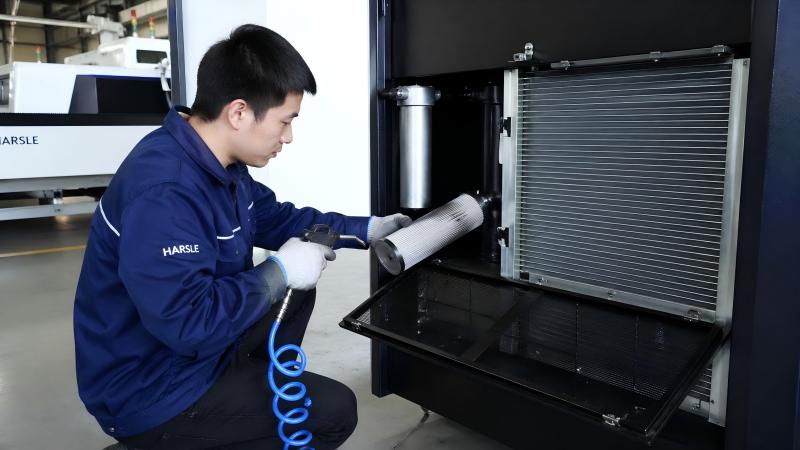
A clogged filter can significantly reduce the efficiency of the Cooling System in Laser Cutter. I usually inspect the filters weekly, especially in dusty workshop environments.
Remove and clean the filters using compressed air or water, depending on the manufacturer’s recommendation. At the same time, I check the heat exchanger (radiator) for dust accumulation. Dust blocks airflow and reduces cooling performance, so keeping it clean is essential.
Step 3: Monitor Water Temperature and Set Proper Parameters
Temperature control is critical. I always monitor the chiller’s temperature settings to ensure they match the laser system requirements.
Typically, the cooling water temperature should remain stable within a narrow range (for example, 20–25°C depending on the machine). If the temperature fluctuates too much, it can affect laser stability and cutting accuracy.
Modern chillers often allow parameter adjustments. I make sure the alarm limits and temperature thresholds are properly configured to prevent overheating.
Step 4: Inspect Pipes and Connections for Leaks
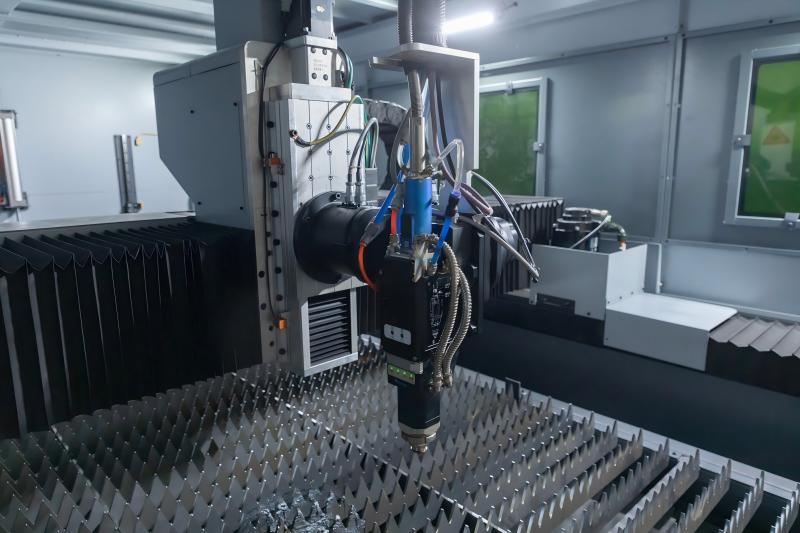
Leaks are easy to overlook but can cause serious problems. I regularly inspect all pipes, joints, and connectors in the cooling system.
Even a small leak can lead to pressure drops and inefficient cooling. If I notice moisture, corrosion, or loose fittings, I fix them immediately. Tightening connections or replacing worn hoses can prevent bigger issues down the line.
Step 5: Replace Coolant Periodically
Even with good maintenance, coolant doesn’t last forever. Over time, it can accumulate impurities, bacteria, or algae.
I recommend replacing the coolant every 3–6 months, depending on usage and environmental conditions. During replacement, I also flush the system to remove any internal deposits.
This step is crucial to maintaining a clean and efficient Cooling System in Laser Cutter.
Step 6: Maintain the Chiller Unit for Long-Term Stability
The chiller is the heart of the cooling system. I treat it as a key component that requires regular inspection.
Check the compressor, fan, and electrical connections. Make sure the chiller operates smoothly without unusual noise or vibration. Preventive maintenance on the chiller can significantly reduce the risk of system failure.
Common Cooling System Problems and How to Fix Them
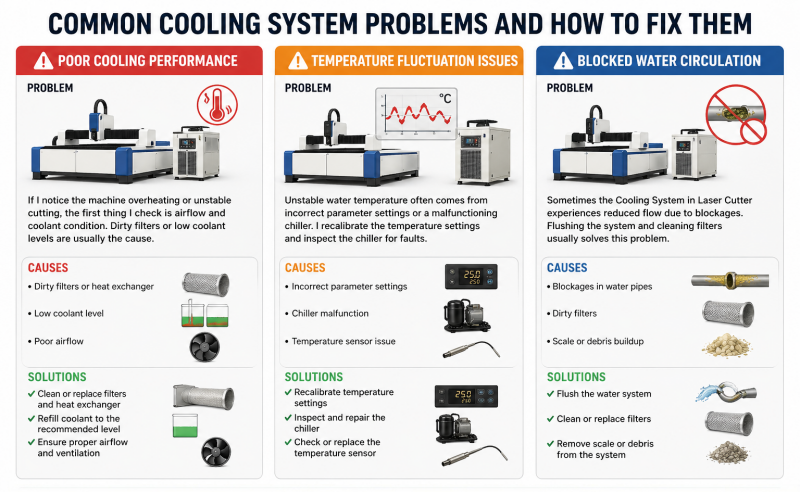
Poor Cooling Performance
If I notice the machine overheating or unstable cutting, the first thing I check is airflow and coolant condition. Dirty filters or low coolant levels are usually the cause.
Temperature Fluctuation Issues
Unstable water temperature often comes from incorrect parameter settings or a malfunctioning chiller. I recalibrate the temperature settings and inspect the chiller for faults.
Blocked Water Circulation
Sometimes the Cooling System in Laser Cutter experiences reduced flow due to blockages. Flushing the system and cleaning filters usually solves this problem.
Perguntas frequentes
How often should I maintain the Cooling System in Laser Cutter?
I recommend performing basic checks daily, such as coolant level and temperature. More thorough maintenance, like cleaning filters and replacing coolant, should be done monthly or quarterly depending on usage.
Can I use tap water in the cooling system?
It’s not recommended. Tap water contains minerals that can cause scaling and blockages. I always use distilled or deionized water for better performance.
What happens if the cooling system fails?
If the Cooling System in Laser Cutter fails, the laser source may overheat, leading to reduced performance or permanent damage. Immediate shutdown and inspection are necessary.
How do I know if the coolant needs replacement?
If the coolant becomes cloudy, develops an odor, or shows visible impurities, it’s time to replace it. Regular replacement prevents contamination issues.
Conclusão
Maintaining the Cooling System in Laser Cutter is not complicated, but it requires consistency and attention to detail. By regularly checking coolant quality, cleaning filters, monitoring temperature, and maintaining the chiller, I can ensure stable machine performance and avoid costly downtime.
If you want your laser cutter to deliver precise and reliable results every day, don’t overlook the importance of cooling system maintenance. For more professional support or customized solutions, feel free to contact the HARSLE team—we’re always ready to help you optimize your production.


