


Laser Height Following Problem is one of the most common issues affecting corte a laser quality and machine stability. If you notice inconsistent cutting gaps, nozzle collisions, poor edge quality, or unexpected alarms, the height following system may not be working correctly. In this article, I’ll explain the common causes of height following failures and provide practical troubleshooting steps to restore accurate nozzle positioning. By understanding how the height control system works and how to maintain it properly, you can improve cutting precision, reduce downtime, and protect critical machine components from damage.
What Is a Laser Height Following System?
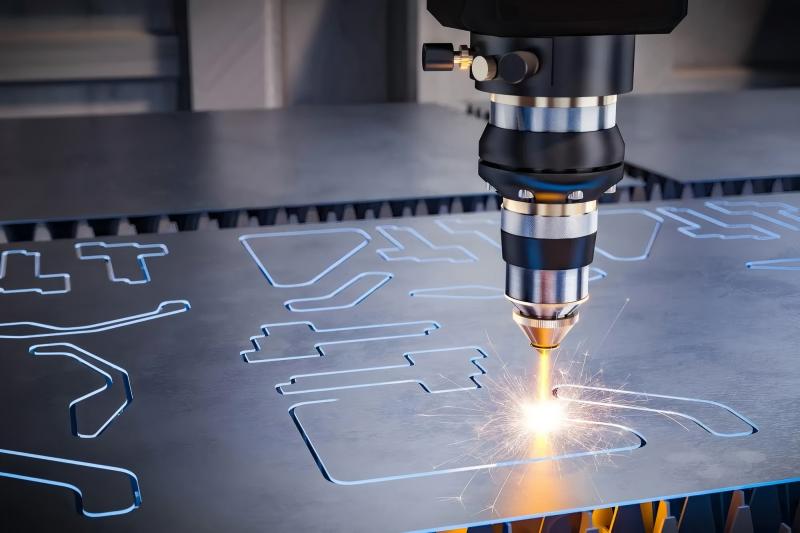
The height following system automatically adjusts the distance between the laser nozzle and the workpiece surface during cutting. This function is typically achieved through a capacitive sensor mounted on the cutting head.
When the system operates correctly, the nozzle maintains a consistent standoff distance regardless of sheet deformation or surface irregularities. This ensures stable cutting quality and protects the cutting head from collisions.
However, when a Laser Height Following Problem occurs, the nozzle may move erratically, fail to track the material surface, or trigger unexpected alarms.
Causas comuns de Laser Height Following Problem
Dirty or Damaged Capacitive Sensor
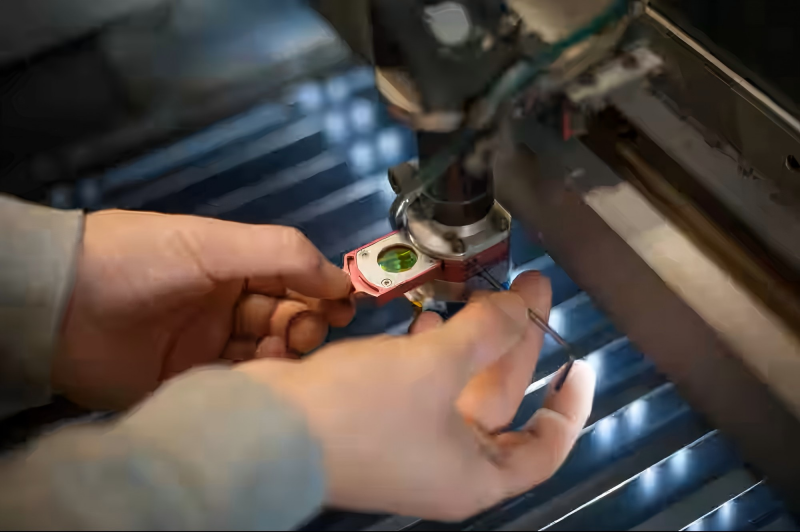
The capacitive sensor measures the distance between the nozzle and the metal sheet. Dust, slag, oil residue, or damaged sensor components can interfere with signal accuracy.
As a result, the height controller may receive incorrect data and fail to maintain the proper cutting gap.
Nozzle Contamination or Deformation
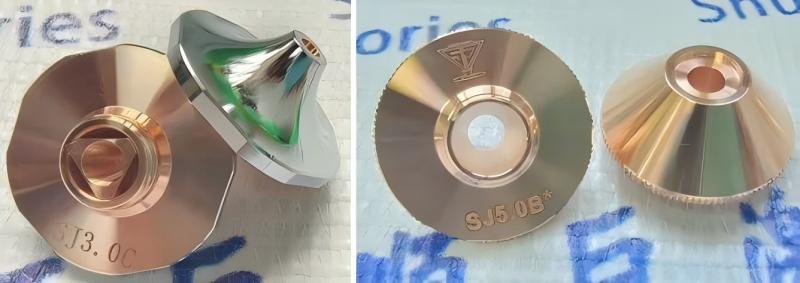
A damaged or contaminated nozzle affects capacitance measurements. Even a small amount of spatter can alter sensor readings and create unstable height adjustments.
Regular nozzle inspection is essential for maintaining accurate height control.
Poor Grounding of the Workpiece
The height following system relies on a stable electrical circuit between the nozzle and the workpiece.
If the sheet material is poorly grounded or covered with excessive oxidation, the sensor may struggle to detect accurate distance measurements.
Loose Cables and Electrical Connections
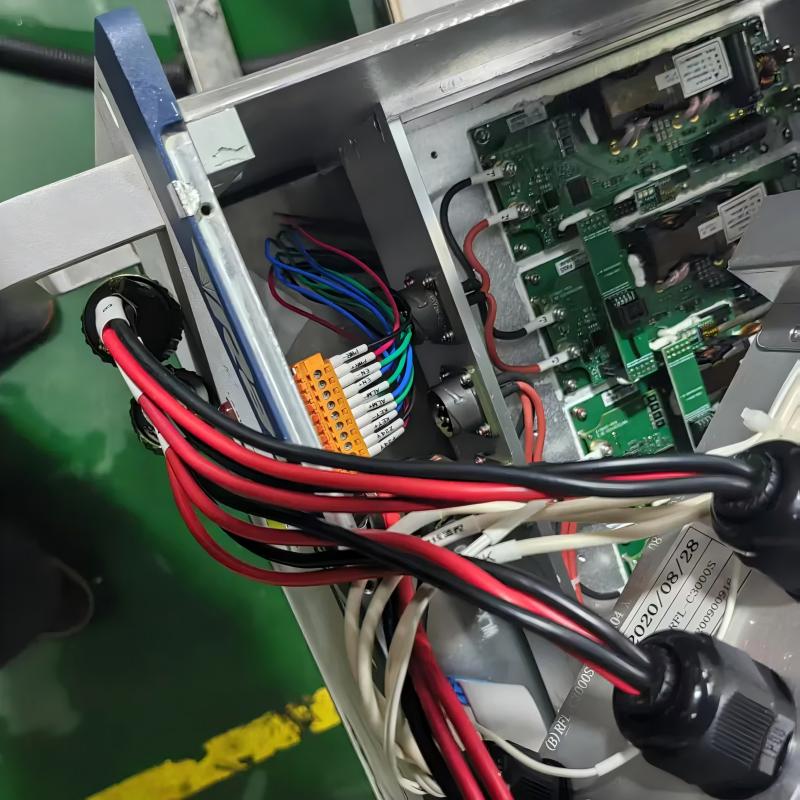
Loose signal cables, damaged wiring, or poor connector contacts can interrupt communication between the sensor and the controller.
Intermittent electrical signals often cause sudden nozzle movement or height following instability.
Incorrect Height Controller Parameters
Improper settings for sensitivity, response speed, or calibration values can prevent the height following system from reacting correctly to surface changes.
Parameter errors frequently occur after software updates or controller replacements.
How to Diagnose a Laser Height Following Problem
Step 1: Inspect the Nozzle and Sensor Surface
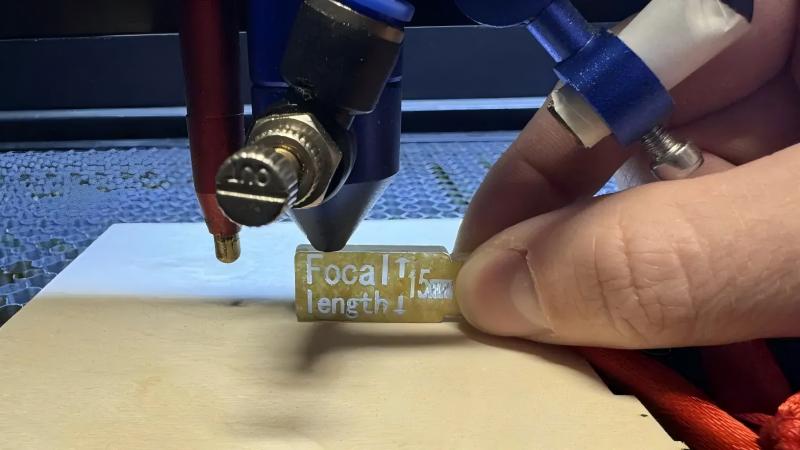
Begin by checking the nozzle and capacitive sensor ring.
Remove any slag, dust, oil, or debris that may affect sensor performance. Replace damaged nozzles immediately.
Step 2: Verify Sensor Calibration
Most CNC laser systems include automatic height sensor calibration functions.
Run the calibration procedure according to the manufacturer’s recommendations and verify that the measured values remain stable.
Step 3: Check Grounding Connections
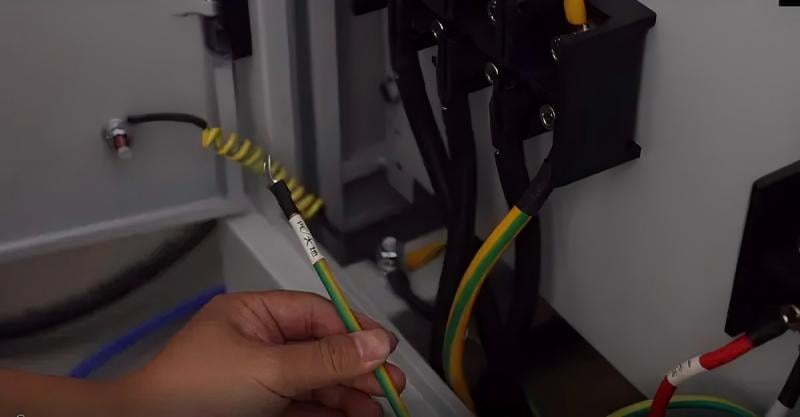
Inspect the grounding cable between the machine frame and the workpiece.
Ensure all grounding points are clean, tight, and free from corrosion.
Step 4: Examine Electrical Wiring
Inspect sensor cables, connectors, and controller terminals for damage or loose connections.
Pay special attention to areas exposed to constant movement near the cutting head.
Step 5: Monitor Height Following Response
Run a test cut on a flat metal sheet.
Observe whether the cutting head maintains a constant distance from the material surface. Any delay, oscillation, or sudden movement may indicate a control problem.
Step 6: Review Controller Parameters
Compare the current height control settings with factory-recommended values.
If necessary, restore default parameters and perform a new calibration sequence.
How to Prevent Laser Height Following Problem
Perform Regular Cleaning
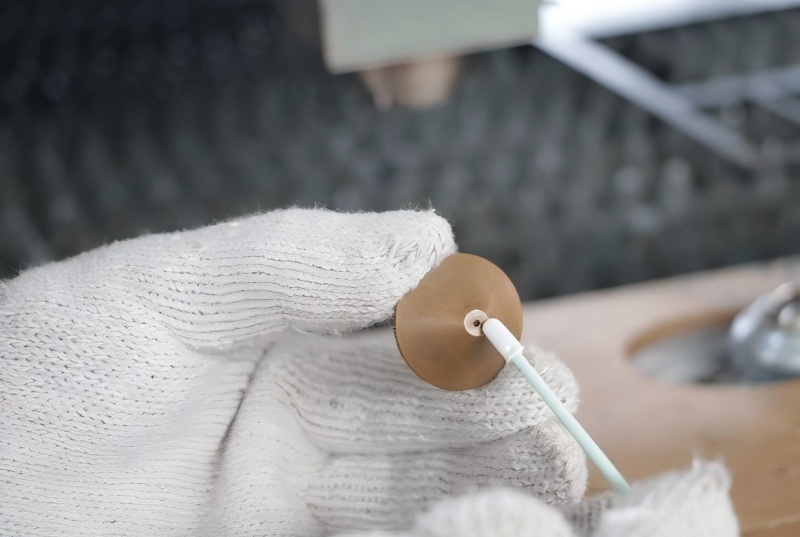
Clean the nozzle, sensor ring, and cutting head daily. Preventing contamination is one of the simplest ways to avoid height control issues.
Schedule Routine Calibration
I recommend calibrating the height following system regularly, especially after replacing consumables or performing maintenance.
Replace Worn Consumables
Nozzles and protective components wear over time. Replacing them before they become damaged helps maintain accurate sensor readings.
Maintain Stable Electrical Connections
Regularly inspect cables and connectors to ensure reliable communication between the sensor and the controller.
Monitor Cutting Head Performance
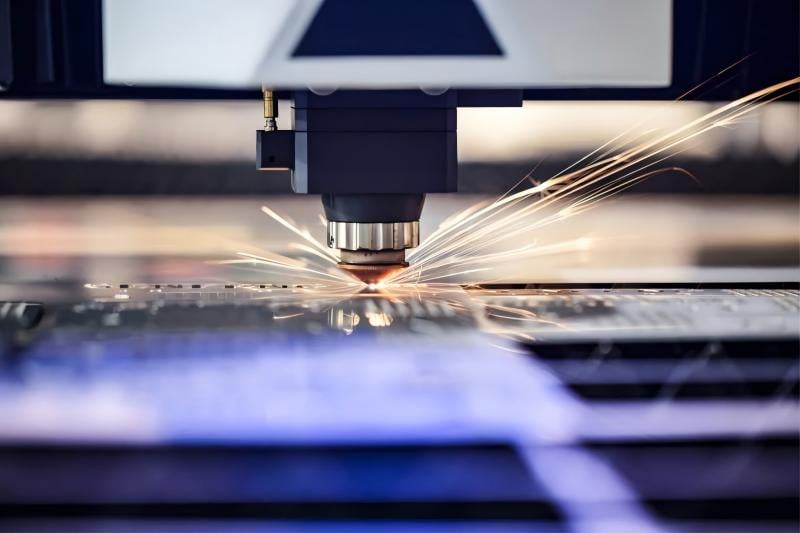
Many modern laser systems provide diagnostic tools for monitoring sensor signals and height control performance. Use these features to detect problems early.
Signs That Your Height Following System Needs Attention
Frequent Nozzle Collisions
Unexpected contact between the nozzle and material often indicates sensor or calibration problems.
Inconsistent Cutting Quality
Poor edge finish, incomplete cuts, or excessive burrs may result from incorrect nozzle height.
Unstable Head Movement
If the cutting head moves up and down excessively during cutting, the height following system may require inspection.
Repeated Height Control Alarms
Persistent alarm messages usually indicate sensor faults, wiring issues, or parameter problems.
Perguntas frequentes
What is the most common cause of Laser Height Following Problem?
The most common causes are dirty capacitive sensors, contaminated nozzles, poor grounding, and incorrect calibration settings.
How often should I calibrate the laser height sensor?
I recommend performing calibration after nozzle replacement, major maintenance, or whenever cutting quality becomes unstable.
Can a damaged nozzle cause a Laser Height Following Problem?
Yes. A deformed or contaminated nozzle can affect capacitance measurements and lead to inaccurate height control.
Why does the cutting head suddenly collide with the workpiece?
Collisions are often caused by sensor contamination, wiring faults, grounding issues, or incorrect height control parameters.
Conclusão
A Laser Height Following Problem can significantly affect cutting accuracy, productivity, and equipment safety. By understanding the common causes, inspecting key components, verifying calibration, and maintaining proper electrical connections, you can quickly identify and resolve most height control issues.
Regular cleaning, preventive maintenance, and routine calibration are the best ways to ensure stable height following performance. If your laser cutting machine continues to experience height control problems after troubleshooting, contact our technical support team for professional assistance and advanced diagnostics.


