


Laser Power Supply Maintenance is essential for keeping a laser system operating reliably, maintaining consistent cutting performance, and preventing unexpected downtime. Neglecting proper maintenance can lead to power fluctuations, dust accumulation, or overheating, all of which compromise precision and may result in costly repairs. In this article, I’ll provide detailed guidance and step-by-step procedures to help operators and maintenance teams effectively maintain the laser power supply. By following these strategies, teams can ensure stable voltage output, protect sensitive components, extend equipment lifespan, and avoid unplanned interruptions. Consistent Laser Power Supply Maintenance keeps production running smoothly and supports high-quality, reliable laser operations.
Understanding the Laser Power Supply
Core Functions of the Power Supply
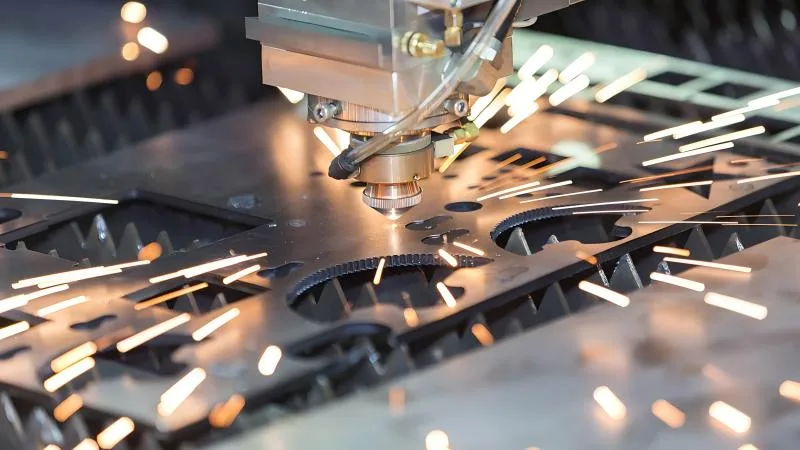
The laser power supply provides stable voltage and current to the laser tube or fiber, regulating the energy output required for precise cutting or engraving.
Common Issues in Power Supplies
Power supply issues can arise from overheating, dust accumulation, electrical surges, or degraded components, all of which can compromise laser performance and machine safety.
Step-by-Step Laser Power Supply Maintenance
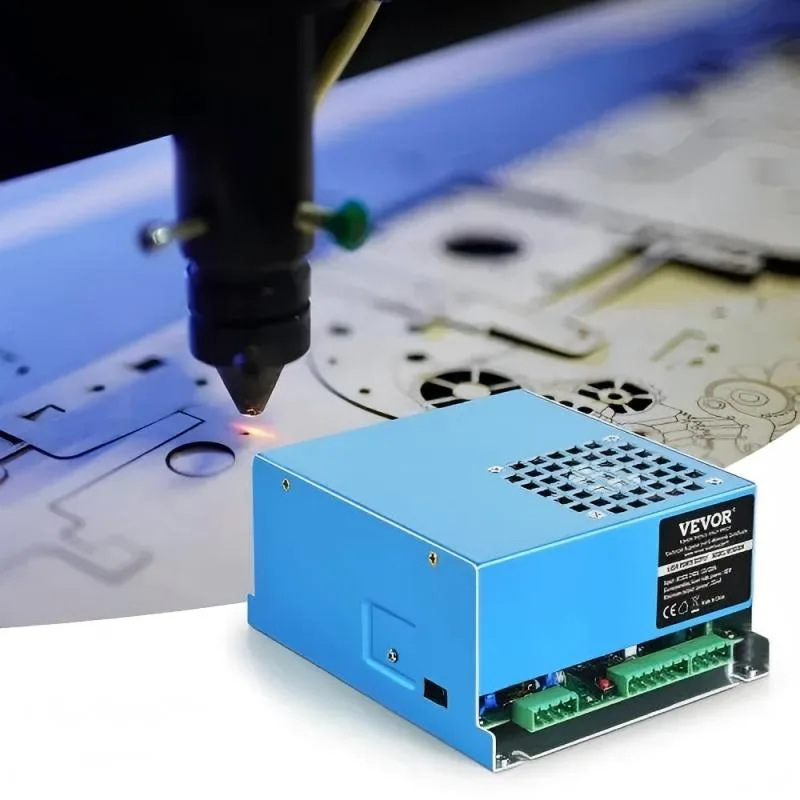
Step 1: Power Off and Safety Precautions
Before any maintenance, shut down the laser machine completely and disconnect it from the mains. Wear appropriate personal protective equipment (PPE) to prevent electrical hazards.
Step 2: Inspect Electrical Connections
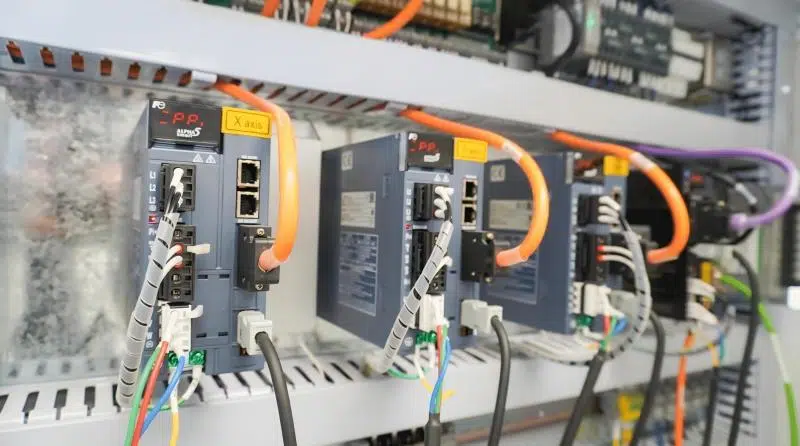
Check all power cables, connectors, and terminals for signs of wear, corrosion, or loose connections. Tighten any loose screws and replace damaged wires immediately.
Step 3: Clean Dust and Debris
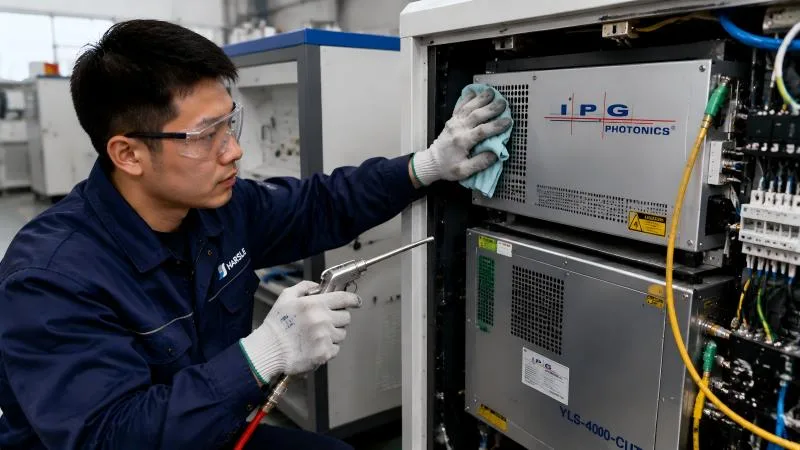
Use a dry, anti-static cloth or compressed air to remove dust from the power supply unit and ventilation areas. Accumulated dust can cause overheating and component failure.
Step 4: Monitor Temperature and Cooling
Verify that cooling fans are operational and heat sinks are free from obstructions. Maintain proper ambient temperature to prevent thermal stress on electronic components.
Step 5: Test Voltage and Current Output
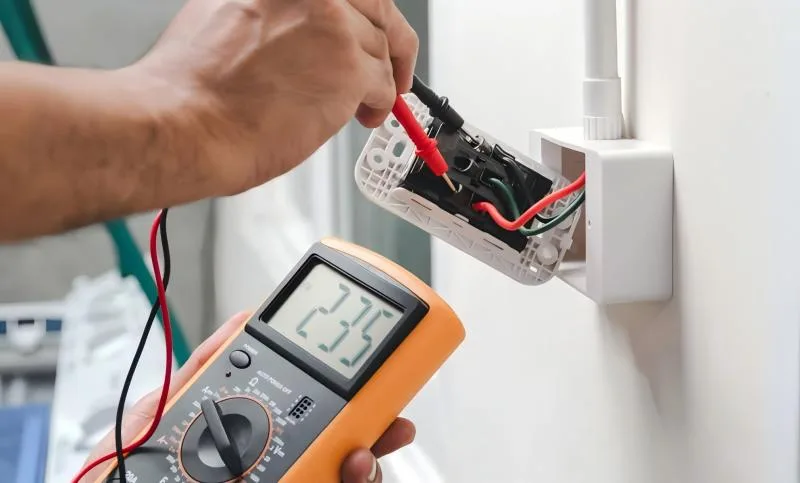
Using a multimeter or recommended diagnostic tools, confirm that the voltage and current outputs match manufacturer specifications. Any deviation may indicate a failing component.
Step 6: Replace Worn or Aged Components
If capacitors, fuses, or other electronic parts show signs of wear, corrosion, or leakage, replace them promptly to avoid sudden failure during operation.
Step 7: Schedule Regular Maintenance Intervals
Establish routine inspection and maintenance schedules. Daily visual checks, weekly cleaning, and monthly electrical testing help prevent unexpected power supply failures.
Best Practices for Long-Term Power Supply Health
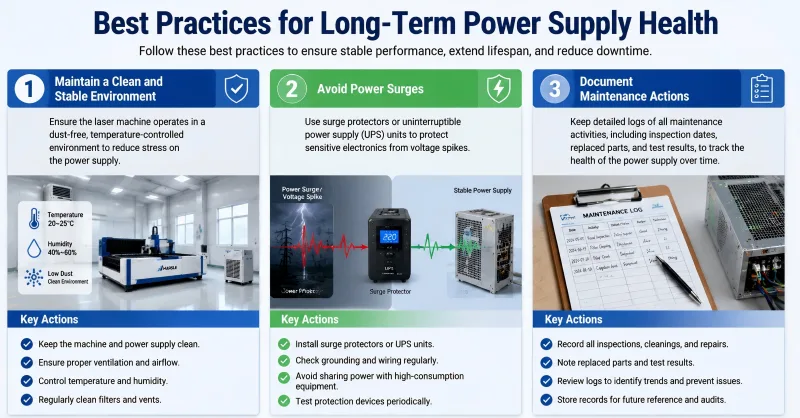
Maintain a Clean and Stable Environment
Ensure the laser machine operates in a dust-free, temperature-controlled environment to reduce stress on the power supply.
Avoid Power Surges
Use surge protectors or uninterruptible power supply (UPS) units to protect sensitive electronics from voltage spikes.
Document Maintenance Actions
Keep detailed logs of all maintenance activities, including inspection dates, replaced parts, and test results, to track the health of the power supply over time.
FAQs
How often should I maintain my laser power supply?
Visual inspections should be performed daily, with cleaning and electrical testing conducted weekly or monthly depending on machine usage.
Can neglecting the power supply cause damage to the laser tube?
Yes, unstable voltage or overheating can reduce the lifespan of the laser tube and compromise cutting precision.
What tools are needed for power supply maintenance?
Basic tools include screwdrivers, multimeters, anti-static cloths, compressed air, and manufacturer-recommended diagnostic instruments.
Conclusion
Effective Laser Power Supply Maintenance is vital for stable operation, high cutting accuracy, and long equipment life. By following these steps—inspecting connections, cleaning, monitoring temperature, testing outputs, and replacing worn components—operators can prevent unexpected downtime and costly repairs. Consistent maintenance ensures that your laser machine delivers reliable, high-quality performance. For more guidance or expert support, don’t hesitate to contact our team.


