


Experiencing a Laser Cutting Machine Start Failure can disrupt production and reduce efficiency in your workshop. Understanding why your laser machine won’t start is essential for troubleshooting and maintaining consistent operations. In this article, I’ll explain the common causes of start failure and provide practical guidance to help operators quickly identify and resolve issues. By implementing these strategies, you can minimize downtime, protect your equipment, and ensure reliable performance in your laser cutting processes.
Common Causes of Laser Cutting Machine Start Failure
Electrical Power Issues
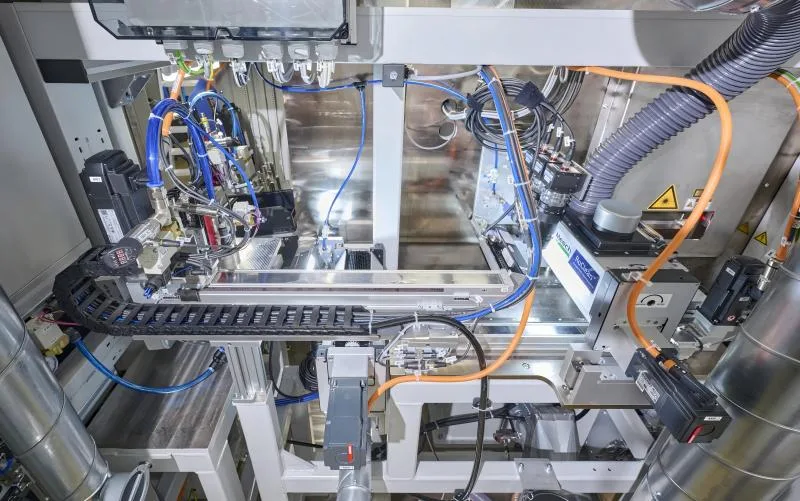
Check the main power supply, fuses, circuit breakers, and disconnect switches. Unstable voltage, tripped breakers, or blown fuses can interrupt power delivery and prevent the laser cutting machine from starting properly.
Emergency Stop Activated
Ensure all emergency stop buttons are completely released. An engaged E-stop will lock the control system, preventing the laser cutting machine from starting or operating normally.
Faulty or Disconnected Wiring

Inspect all wiring for loose connectors, damaged cables, or disconnected terminals, as proper electrical continuity is essential for the laser cutting machine to start and operate safely.
Software or Controller Errors
CNC controllers may display startup-related error messages that block machine operation. Check for active alarms, ensure the firmware is updated to the latest version, and reset the controller following the manufacturer’s recommended procedures.
Sensor Malfunctions
Door interlocks, limit switches, and safety sensors must function properly. A triggered, misaligned, or faulty sensor can activate safety protection and prevent the laser cutting machine from starting.
Step-by-Step Troubleshooting Procedures
Step 1: Verify Power Supply
Check the voltage levels and confirm that the main power switch is turned on. Inspect all fuses and circuit breakers for signs of damage, tripping, or failure.
Step 2: Inspect Emergency Stop and Safety Devices
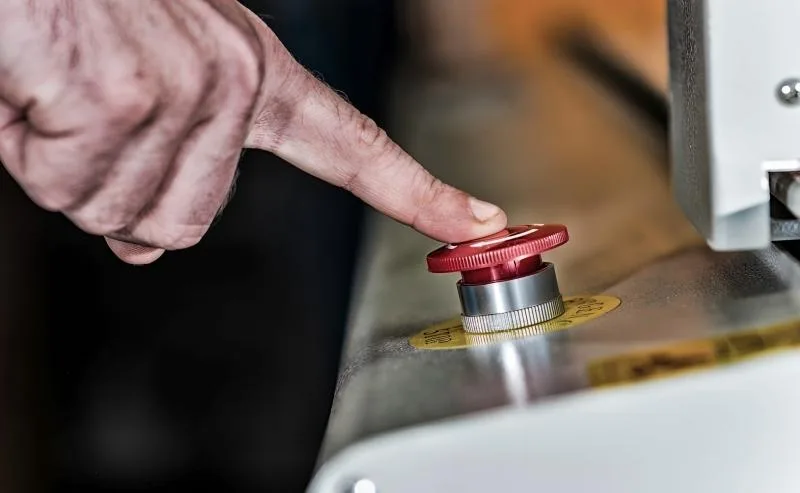
Ensure all emergency stop buttons, safety doors, and interlocks are fully disengaged. If any are active, reset the system to allow the laser cutting machine to start safely.
Step 3: Examine Wiring and Connections
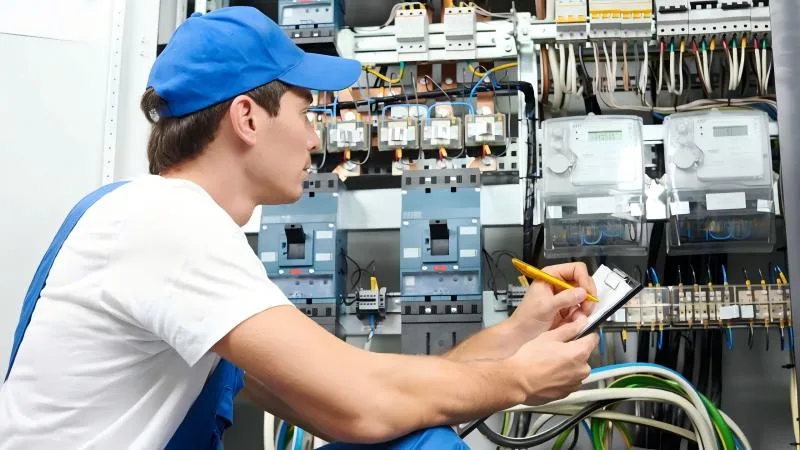
Inspect all electrical connections carefully for any signs of damage, corrosion, or loose terminals. Promptly repair or replace compromised wiring to ensure safe, reliable startup and prevent operational failures.
Step 4: Check Controller Status
Power cycle the CNC controller to reset its internal systems and review any displayed error messages. Update the firmware if necessary and follow the manufacturer’s reset procedures to restore proper startup and operation.
Step 5: Test Sensors and Switches

Ensure all safety switches, door interlocks, and limit switches are fully operational. Test each component for proper function, and immediately replace any faulty or unresponsive sensors to maintain safe and reliable machine startup.
Step 6: Consult the Manual or Technical Support
If all previous troubleshooting steps fail, consult the machine manual for detailed guidance or contact the manufacturer directly for advanced technical support and assistance.
FAQs
Why won’t my laser cutting machine start after a power outage?
After a power outage, fuses may blow, breakers may trip, or the controller may need a reset. Check all power components and reset the system.
Can software errors prevent startup?
Yes, CNC controller errors or outdated firmware can block machine initialization. Update firmware and check for error codes.
How do I know if a sensor is preventing startup?
Most machines indicate sensor faults via an error message or LED indicator. Inspect all interlocks, door switches, and safety sensors.
Conclusion
Preventing and resolving Laser Cutting Machine Start Failure is vital for maintaining productivity and reducing downtime. By systematically checking electrical systems, emergency stops, wiring, controllers, and sensors, operators can identify and fix the root cause efficiently. Consistent maintenance and proper troubleshooting practices ensure that your laser cutting machine remains reliable and operational. For further guidance or advanced technical support, don’t hesitate to contact our team for expert assistance.


