


When you’re working with automated bending equipment, few issues disrupt production as fast as PLC Errors in Tube Benders. If your machine suddenly stops, freezes mid-cycle, or displays unfamiliar PLC fault codes, you’re likely searching for a clear and practical way to get everything running again. In this guide, I’ll walk you through the common causes behind these errors, how to diagnose them step by step, and what you can do to fix the problem quickly without compromising accuracy or safety. Whether you operate a CNC tube bender daily or manage a full bending line, this article will help you restore smooth performance and prevent downtime in the future.
Why PLC Errors Occur in Tube Benders
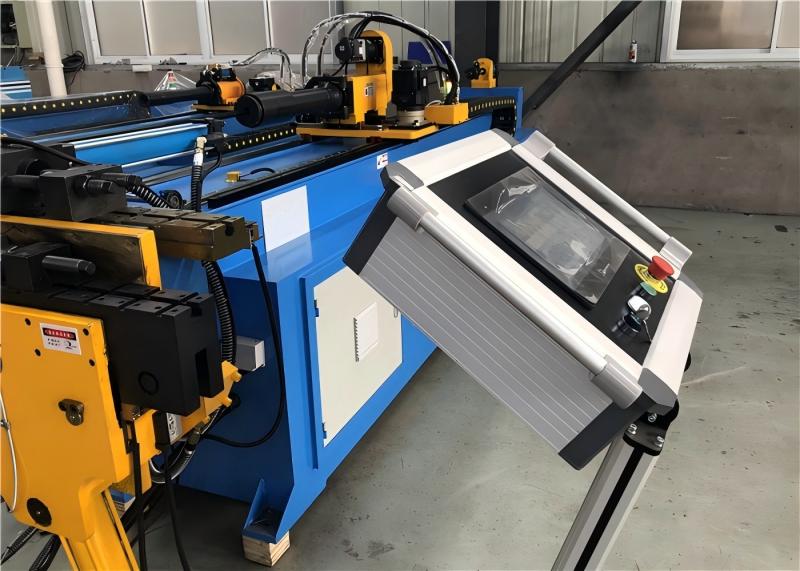
Electrical Instability Affecting PLC Control
One of the most frequent causes of PLC issues is unstable electrical supply. Voltage drops, sudden surges, or poor grounding can cause the PLC to misread signals or restart unexpectedly. I always start by checking the incoming power, grounding condition, and cabinet wiring tightness. Even a loose terminal can trigger intermittent PLC faults during bending cycles.
Sensor Failures Triggering Fault Codes
Tube benders rely on multiple sensors—clamp sensors, mandrel sensors, proximity switches, and servo feedback units. When any of these fail or send inconsistent signals, the PLC interprets the data as an error. I verify each sensor’s LED status, signal continuity, and mounting position to ensure they are aligned and functioning correctly.
Communication Problems Between PLC and Servo Drives
Communication loss between the PLC and servo drives can stop the machine instantly. This usually happens due to damaged communication cables, loose connectors, or incorrect parameters. I inspect the communication ports, reseat connectors, and verify that the servo drive parameters match the machine’s configuration file.
Software Corruption or Parameter Loss
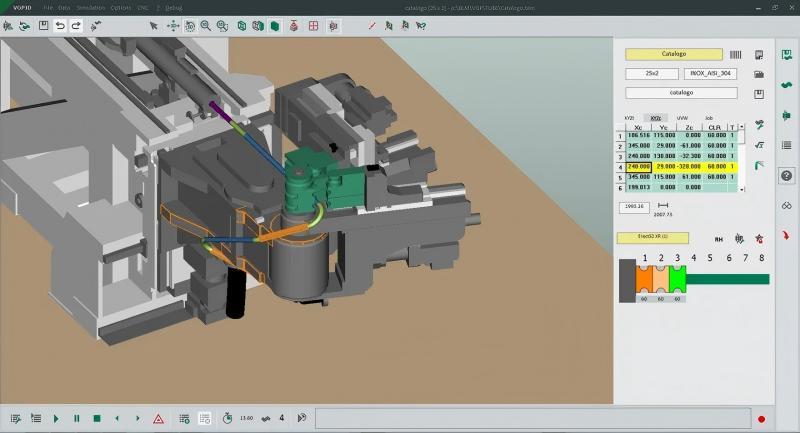
If the PLC program becomes corrupted due to a power failure or improper shutdown, the machine may boot with missing parameters or incorrect logic. Restoring the latest backup or reloading the PLC program is often the quickest solution. I always ensure that a verified backup is stored before making any changes.
How to Fix PLC Errors in Tube Benders Step by Step
Step 1 – Reset and Identify the Error Code
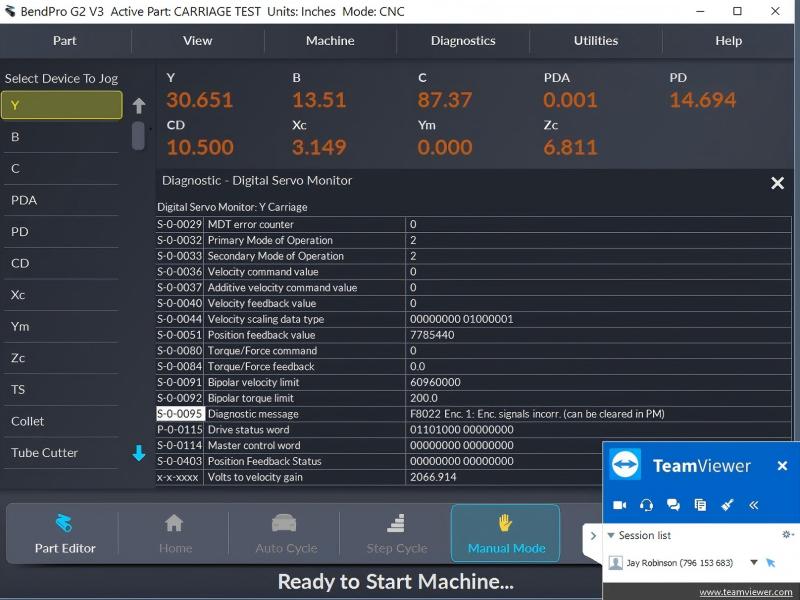
Before making any adjustments, I restart the machine and check the PLC error code displayed on the HMI or alarm screen. Each code corresponds to a specific cause, which greatly narrows down the troubleshooting process. I check the alarm history as well, since recurring alarms usually indicate mechanical or electrical instability.
Step 2 – Inspect Power and Wiring Connections
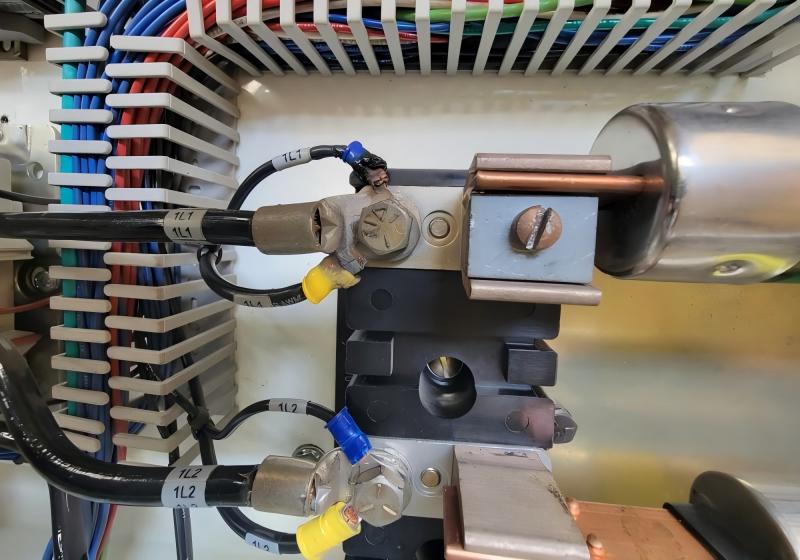
Unstable power is responsible for many PLC faults, so I inspect the electrical cabinet thoroughly. I tighten loose terminals, clean dust from the PLC module, and verify proper grounding resistance. If the machine runs in a high-moisture environment, I also check for condensation or corrosion.
Step 3 – Verify Sensor Inputs One by One
I monitor each PLC input from the HMI diagnostics page. This helps me confirm whether all sensors are sending correct signals. If I see fluctuations or no signal from a critical sensor, I test the wiring, adjust the sensor bracket, or replace the faulty sensor. Misaligned clamp or mandrel sensors are common culprits behind bending interruptions.
Step 4 – Check Communication Between Modules
I test the integrity of communication cables and inspect the servo drive’s indicator lights. If the drive is not communicating with the PLC, I check the communication port settings, protocol parameters, and cabling continuity. In some cases, simply reseating the cables or replacing a damaged port fixes the issue.
Step 5 – Load or Restore the PLC Program
If the error persists even after electrical and sensor checks, I reload the PLC program. I use the manufacturer’s approved program file and compare parameter lists to ensure consistency. A mismatched parameter set often causes unexpected machine movements or repeated PLC alarms.
Step 6 – Test the Machine Under Controlled Conditions
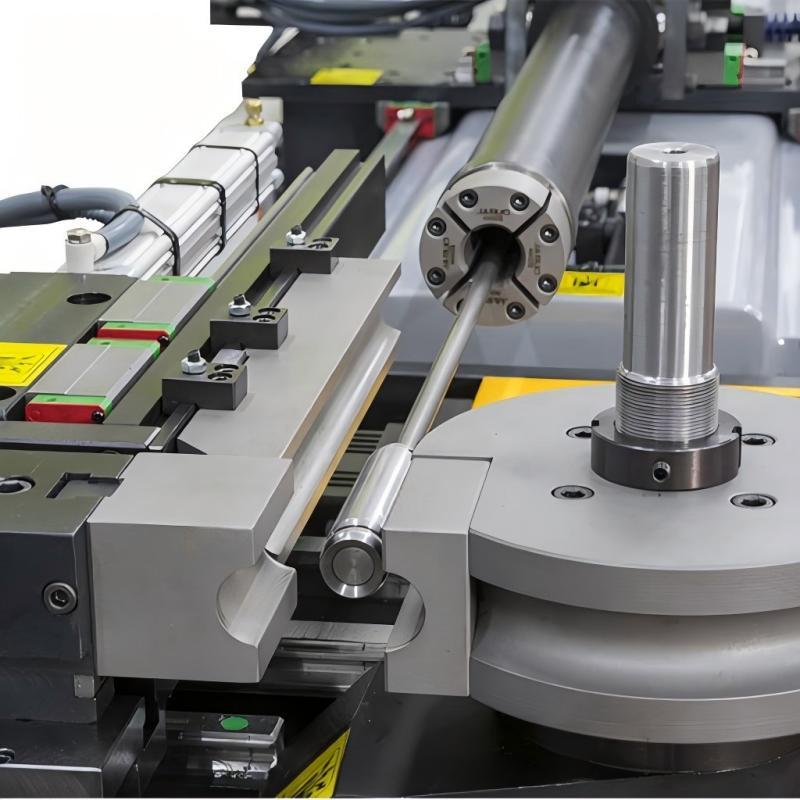
After fixing the error, I run the machine without a workpiece first. This ensures all axes respond correctly and no unexpected alarms appear. If everything performs well, I proceed with a slow bending cycle to confirm stability before full-speed production.
Preventing PLC Errors in Tube Benders
Keep Electrical Conditions Stable
Surge protectors, proper grounding, and regular inspections significantly reduce PLC failures. I encourage operators to avoid connecting tube benders to unstable or overloaded power networks.
Perform Routine Sensor Calibration
Calibrated sensors are essential for accurate bending. I routinely check sensor alignment, cleaning, and response speed to prevent false signals that may trigger PLC errors.
Maintain Clean and Dry Electrical Cabinets
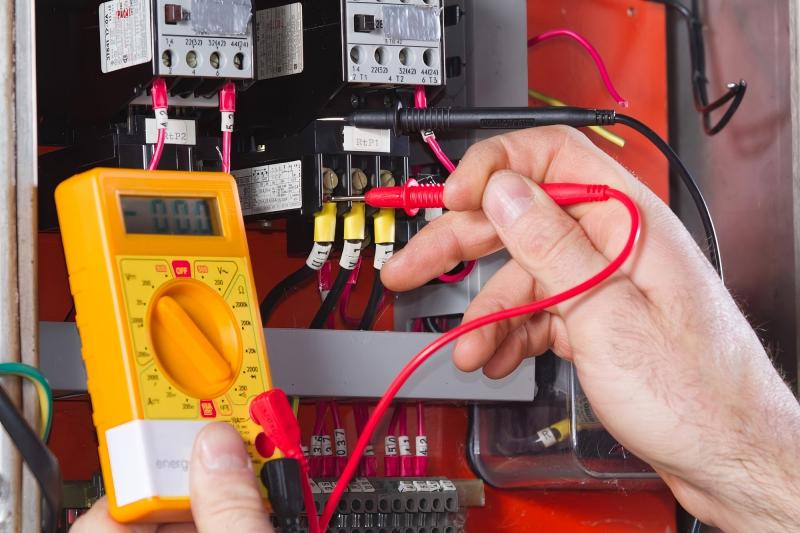
Dust and moisture are silent troublemakers. I clean electrical cabinets regularly and ensure cooling fans and filters are functioning properly to protect the PLC from overheating or contamination.
FAQ Section
Why do PLC Errors in Tube Benders keep appearing even after a reset?
Recurring PLC errors usually indicate unstable electrical connections, sensor misalignment, or communication faults between the PLC and servo modules. I always recommend checking wiring and sensor inputs before resetting repeatedly.
How can I tell if a sensor is causing PLC Errors in Tube Benders?
You can check the input status on the HMI or PLC diagnostics page. If a sensor input flickers, stays inactive, or conflicts with machine logic, it is likely contributing to the error.
Do PLC Errors in Tube Benders damage the machine?
In most cases, PLC errors are protective alarms designed to stop unsafe motion. However, ignoring them or bypassing safety inputs can cause long-term mechanical or electrical damage.
When should I reload the PLC program?
If the machine displays logic-related faults, missing parameters, or abnormal axis behavior after a power failure, reloading the PLC program is often necessary.
Conclusion
Fixing PLC Errors in Tube Benders doesn’t have to be complicated. By following a structured troubleshooting process—checking electrical conditions, inspecting sensors, verifying communication, and restoring the PLC program—you can quickly bring the machine back into stable operation. These steps not only reduce downtime but also improve bending accuracy and machine reliability. If you need personalized technical support, spare parts, or more detailed troubleshooting guides, feel free to contact the HARSLE team anytime.


