


Lost Program Parameters in CNC Tube Benders can disrupt production instantly, leading to bending errors, unexpected axis behavior, or the need to rebuild entire programs from scratch. If you’re looking for practical ways to restore your missing settings, you’re in the right place. In this article, I’ll explain the common reasons parameters disappear, show you step-by-step methods to recover them, and share preventive tips to avoid similar issues in the future. Whether you’re dealing with angle deviation, mandrel misalignment, or completely lost program files, this guide will help you restore your data and get your tube bender operating smoothly again.
Why Do Lost Program Parameters in CNC Tube Benders Occur?

Power Failure or Sudden Shutdown
Unexpected power cuts or emergency stops may interrupt the memory-writing process, causing parameters to corrupt or partially delete. Machines without backup battery systems are especially vulnerable.
Empty or Faulty CMOS/Backup Battery

Many CNC tube benders rely on a backup battery to store key parameters. If the battery is drained or damaged, settings such as bending angle, mandrel position, servo limits, and compensation values may reset to factory defaults.
Software Updates and Controller Replacement
Upgrading control software or replacing PLC/CNC controllers may overwrite parameter files if data export is not performed beforehand.
Human Error During Setup
Incorrect parameter modification or overwriting existing programs often leads to irreversible parameter loss if no backup exists.
Step-by-Step Fix Lost Program Parameters in CNC Tube Benders
Step 1: Restart and Reload Stored Parameter Files
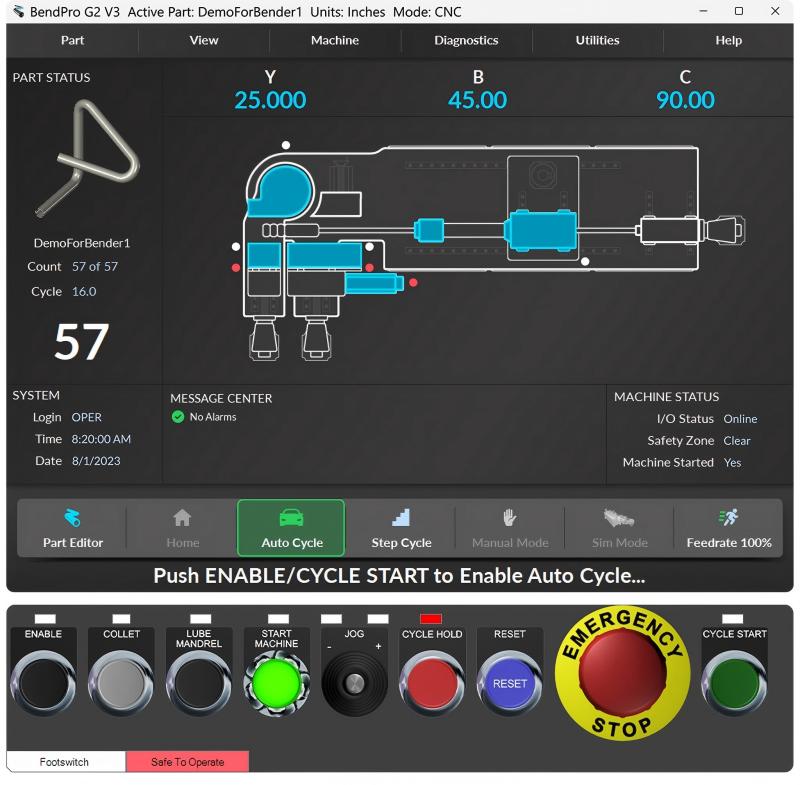
If your CNC tube bender controller supports file export/import, check if you previously saved settings using USB, memory card, or network backup.
- Insert the device
- Navigate to “Restore Parameters”
- Load the correct parameter file
This method instantly restores bending angle settings, axis limits, and coordinate offsets.
Step 2: Recover Parameters from Manufacturer Default Database
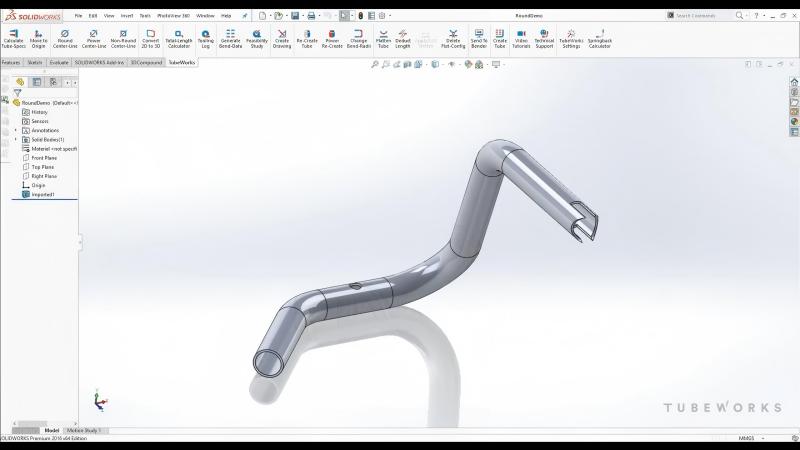
Most manufacturers—including HARSLE—can provide the default parameter list based on your machine model and controller type.
- Request the parameter list
- Input values manually
- Recalibrate bending axes once finished
This solution is ideal when you have Lost Program Parameters in CNC Tube Benders due to controller replacement or battery failure.
Step 3: Recalibrate Machine Axes and Zero Points
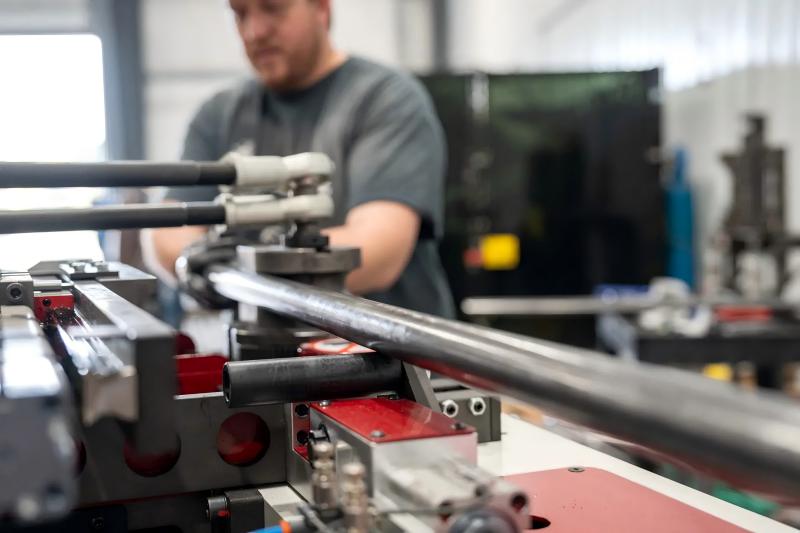
When angle, feed, and mandrel axes behave incorrectly:
- Move axes to mechanical zero
- Use calibration mode to set electrical zero
- Save current values as home positions
Step 4: Check and Replace Backup Battery
If parameters reset every time the machine turns off:
- Locate the battery inside the controller board
- Replace with identical voltage and model
- Reload parameters and store again
This prevents future data loss.
Step 5: Create Permanent Program Backup
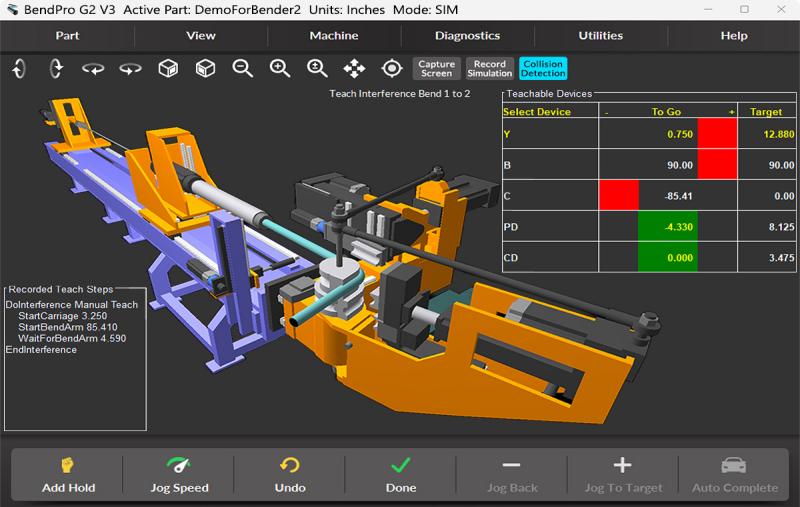
Once your parameters are corrected:
- Export settings onto external storage
- Save multiple versions (initial setup, post-calibration, after updates)
- Store one copy in cloud or office server
A consistent backup strategy eliminates future downtime risks.
Preventive Maintenance to Avoid Lost Program Parameters
To reduce the chance of losing parameters in the future:
- Replace backup batteries every 12–18 months
- Avoid forced power shutdowns
- Export parameter backups monthly
- Document any program adjustments
Implementing these habits improves reliability and minimizes rework.
FAQ
What should I do first when I notice Lost Program Parameters in CNC Tube Benders?
First, check if you have a previously saved backup. Attempt to restore parameters before recalibrating or manually entering values.
Can I continue bending if parameters are not fully restored?
Operating without accurate parameters can cause incorrect angles, collision risks, and damage to tooling or mandrels. It’s best to restore settings before continuing.
How can I prevent parameter loss after replacing the controller?
Always back up your parameter list before installation and verify compatibility after the upgrade.
Conclusion
Recovering Lost Program Parameters in CNC Tube Benders doesn’t have to be overwhelming. By restoring backups, recalibrating axes, replacing faulty batteries, and maintaining consistent documentation, you can minimize downtime and protect your machine investment. If you need professional support, customized parameter files, or remote troubleshooting for your CNC tube bender, feel free to contact our HARSLE service team. Restoring your machine to full performance is just one step away—explore more of our documentation or reach out for expert assistance today.
You have not enough Humanizer words left. Upgrade your Surfer plan.


