


When you’re working with CNC bending equipment, unexpected issues with Tube Bender Controller Errors can stop production, affect accuracy, and create unnecessary downtime. If you’re trying to figure out why your controller is showing alarms, acting inconsistently, or failing to execute commands, you’re in the right place. In this guide, I’ll walk you through the most common causes of these errors and share practical, step-by-step methods to diagnose and fix them quickly. My goal is to help you restore your tube bender’s performance, minimize delays, and keep your workflow running smoothly without complicated technical language.
Common Causes of Tube Bender Controller Errors
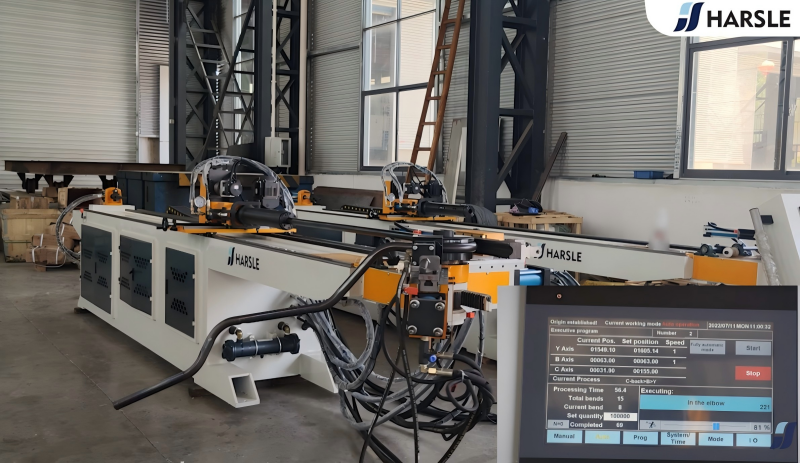
Loose Wiring or Poor Electrical Connections in CNC Tube Benders
One of the most frequent causes of Tube Bender Controller Errors is unstable electrical connections. I always start by checking the power cables, sensor wires, servo connectors, and grounding points. Even a slightly loose connector can trigger communication alarms or axis faults. Make sure all terminals are tightened securely and inspect for signs of corrosion or wear.
Software Glitches or Outdated Firmware
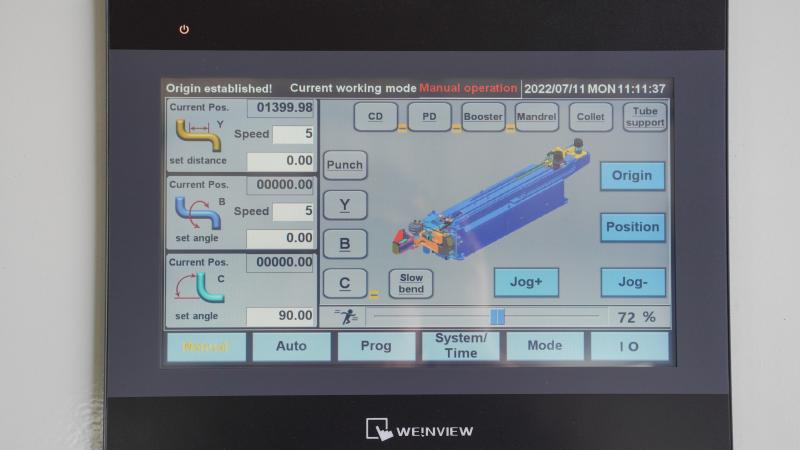
Controller software or firmware can sometimes become unstable, especially if the machine hasn’t been updated or if the program file was interrupted during loading. If I suspect this issue, I reboot the controller, reload the bending program, and check whether the latest firmware version is installed. Updating software often resolves sudden, unexplained errors.
Faulty Sensors or Calibration Drift
Sensors are crucial for accuracy, and when they drift out of calibration, the controller may misinterpret tube positions, bending angles, or mandrel timing. I usually run a quick diagnostic on the angle encoder, carriage sensor, mandrel proximity switch, and clamping feedback sensors. If the readings are inconsistent, calibration or replacement is required.
Axis Overload or Mechanical Obstruction
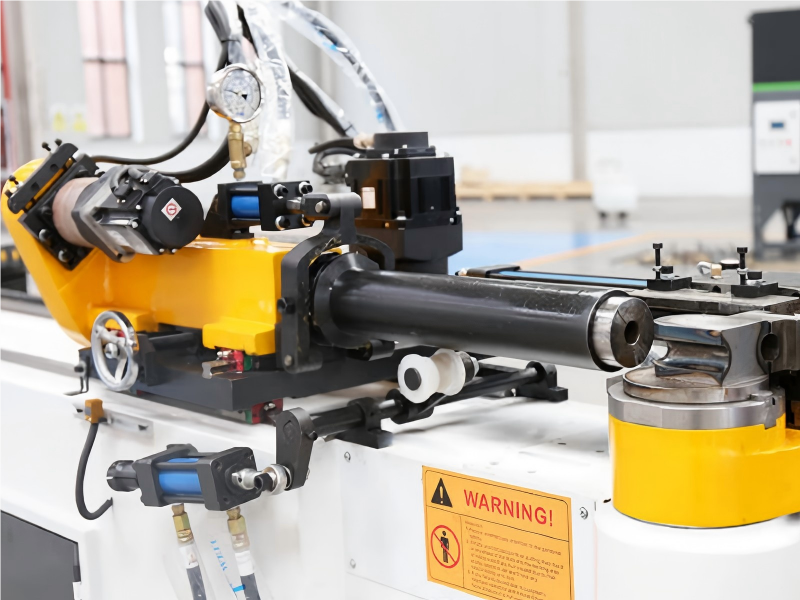
If an axis is overloaded or blocked by a mechanical issue, the controller will stop to prevent damage. I check all moving parts—carriage slide, bending head, booster cylinder, and mandrel extractor—to ensure nothing is obstructing motion. Cleaning chips, lubricating rails, and verifying that tubes are properly positioned usually eliminates overload errors.
Step-by-Step Troubleshooting Guide for Tube Bender Controller Errors
Step 1 – Reset and Reboot the Controller
Before diving into deeper diagnostics, I always perform a full controller reset. Shut down the machine, wait 20–30 seconds, and restart. This clears temporary memory issues and often resolves minor communication faults.
Step 2 – Inspect All Electrical and Sensor Connections
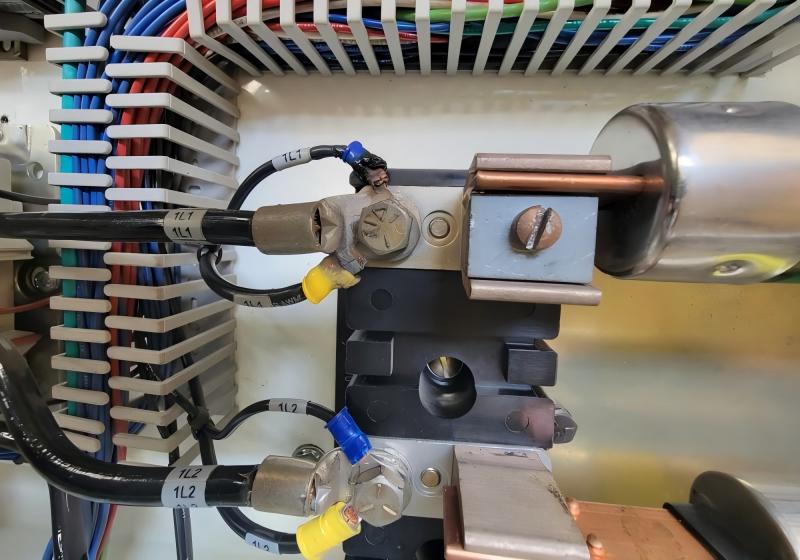
I go over each connector related to power supply, servo motors, and input/output modules. Gently tug on each wire to make sure it’s locked in place. If the controller shows intermittent faults, this is usually where the problem lies. Cleaning dusty or oxidized terminals can also significantly improve signal stability.
Step 3 – Recalibrate Tube Position and Angle Sensors
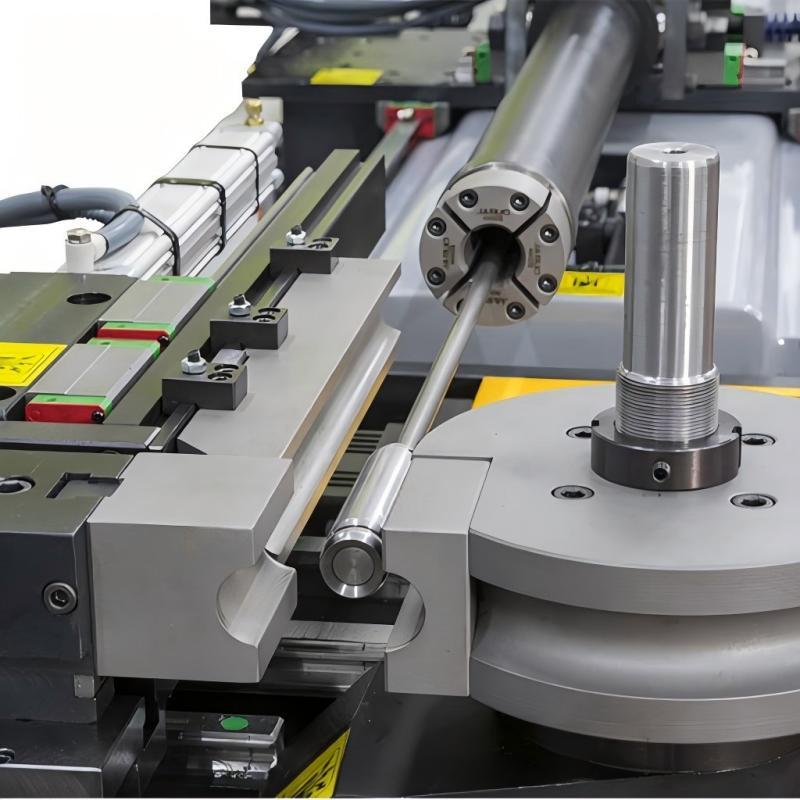
When bending accuracy starts to drift or the controller misreads positioning data, recalibration is necessary. I follow the machine’s calibration steps for:
- Angle encoder zeroing
- Boost/pressure position alignment
- Carriage home position
- Mandrel in/out stroke calibration
This restores synchronization between mechanical movement and controller feedback.
Step 4 – Reload or Recreate the Bending Program
Sometimes program files become corrupted. I save a backup, delete the old file, and create a fresh bending program with the same parameters. This eliminates errors caused by bad data, especially on complex multi-radius bends.
Step 5 – Check Servo Drives for Overload or Alarm Codes
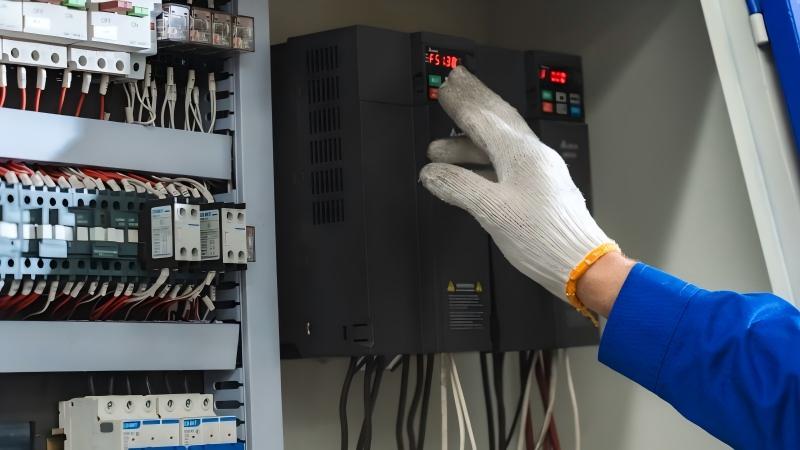
If the controller is reporting axis-specific Tube Bender Controller Errors, the servo drives usually store more details. I inspect the drive display or diagnostic menu for:
- Overload codes
- Encoder faults
- Overcurrent alarms
- Overtravel warnings
Clearing the cause—such as adjusting lubrication or removing mechanical resistance—fixes most axis errors.
Step 6 – Update Controller Firmware and Parameters
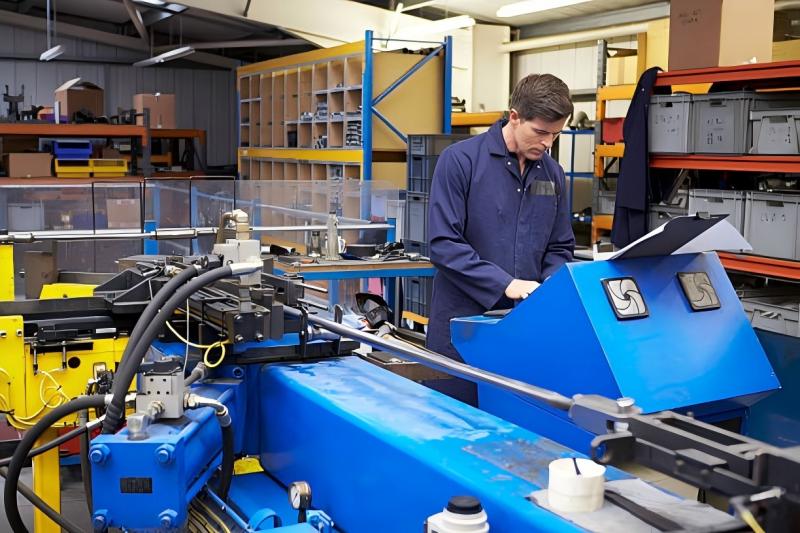
If recurring errors appear after long-term use, I update the firmware and verify that system parameters haven’t been modified. Incorrect acceleration values, feed speeds, or axis limits can trigger continuous alarms. Restoring the default parameters usually stabilizes the system.
Step 7 – Run a Complete Test Bend
After applying fixes, I always run a test bend using a scrap tube to verify that:
- The controller responds correctly
- The tube follows the correct bending sequence
- No alarms are triggered during motion
- Accuracy matches the programming data
This confirms whether the troubleshooting process was successful.
Preventive Tips to Avoid Tube Bender Controller Errors
Keep the Machine Clean and Well-Lubricated
Accumulated debris affects axis motion and increases the chance of overload faults. I clean the rail guides, bending head, and clamp area regularly.
Perform Weekly Electrical Checks
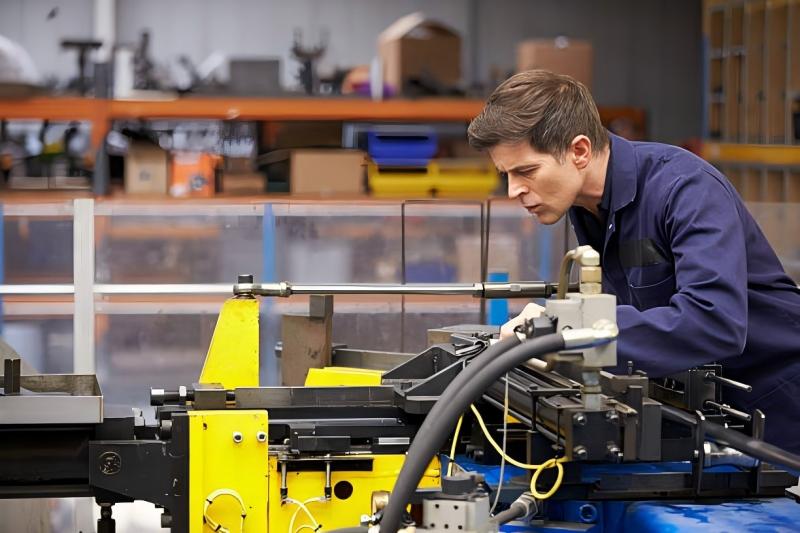
A weekly quick inspection of cables, grounding, and connectors prevents intermittent errors.
Maintain Stable Voltage Supply
Use a voltage regulator if your workshop power fluctuates. Stable voltage helps protect controllers and servo drives from crashes.
Train Operators to Enter Correct Program Values
Incorrect clamp pressure, mandrel timing, or boost force can all lead to controller alarms. Operator training reduces these mistakes significantly.
FAQ
Why does my machine keep showing Tube Bender Controller Errors during startup?
This often happens due to loose wiring or unstable voltage. Double-check power lines, grounding, and controller connectors. A full reboot can also help.
How do I know if my angle sensor needs recalibration?
If your bends are consistently off by the same amount or if the controller displays inconsistent angle readings, calibration is necessary.
What should I do if the servo motor overloads repeatedly?
Inspect mechanical movement for resistance. Clean the guides, check lubrication, and verify that nothing is blocking the axis.
Can outdated firmware cause Tube Bender Controller Errors?
Yes. Older firmware versions sometimes contain bugs that trigger random alarms. Updating to the latest version often stabilizes system behavior.
Is it safe to clear alarms without checking the cause?
No. Clearing alarms without diagnosing the root cause may lead to more severe mechanical or electrical issues.
Conclusion
Fixing Tube Bender Controller Errors doesn’t have to be complicated. By following a structured approach—checking electrical connections, recalibrating sensors, inspecting mechanical movement, updating software, and testing bend results—you can restore your machine’s performance quickly and avoid unnecessary downtime. Consistent preventive maintenance and correct programming also reduce the likelihood of recurring issues. If you need deeper technical assistance, feel free to reach out to the HARSLE team for troubleshooting support or additional documentation.


