


When a Press Brake CNC System Freeze occurs during production, it can immediately stop bending operations and affect efficiency. I often encounter this issue when working with CNC press brakes, especially in busy fabrication workshops where machines run continuously. A frozen CNC controller usually indicates problems related to software, hardware communication, memory overload, or unstable power supply. The good news is that most Press Brake CNC System Freeze problems can be diagnosed and fixed with a systematic troubleshooting approach. In this guide, I’ll explain the common causes and provide practical steps I use to resolve CNC system freeze issues quickly and safely.
What Causes Press Brake CNC System Freeze?
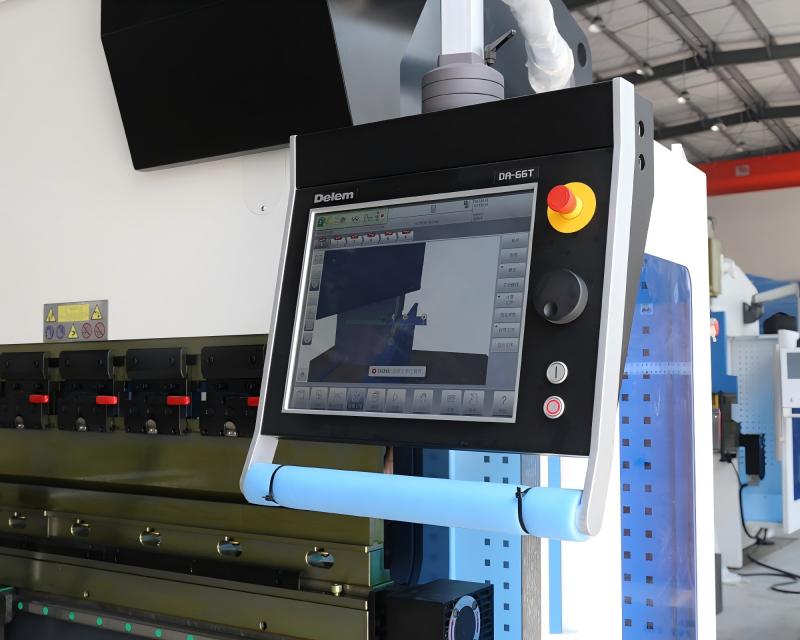
Before trying to fix the problem, I always start by identifying the possible cause. A Press Brake CNC System Freeze rarely happens without warning.
Several factors may lead to controller freezing:
- Overloaded CNC memory due to large programs
- Software glitches in the CNC controller
- Electrical interference or unstable voltage
- Communication failure between controller and servo system
- Overheating inside the electrical cabinet
Understanding these causes helps determine the correct troubleshooting process instead of restarting the machine blindly.
How to Troubleshoot Press Brake CNC System Freeze Step by Step
When I deal with a Press Brake CNC System Freeze, I follow a structured troubleshooting process. This ensures that the problem is solved safely and efficiently.
Step 1: Restart the CNC Controller Safely
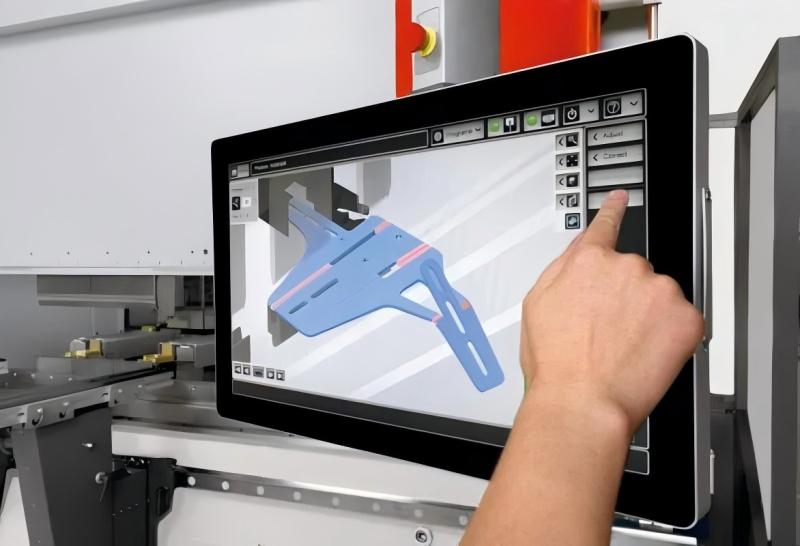
The first step I take is performing a controlled restart of the CNC system.
- Stop machine operation immediately.
- Turn off the CNC controller through the control panel.
- Wait about 30–60 seconds before restarting.
- Power the controller back on and check if the system responds normally.
A restart clears temporary memory overload or minor software conflicts that may trigger a Press Brake CNC System Freeze.
However, if the freeze happens repeatedly, deeper troubleshooting is required.
Step 2: Check CNC System Memory and Program Size
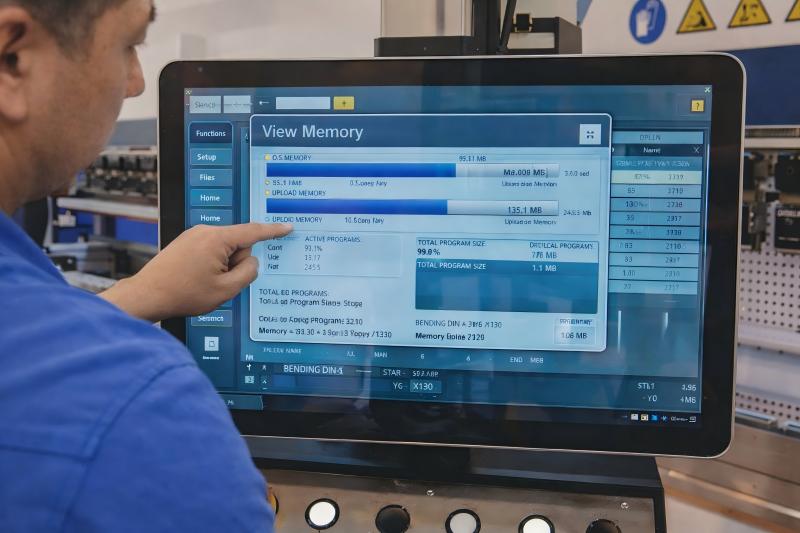
Large bending programs or too many stored files may overload the controller.
I usually check:
- Stored program quantity
- Unused bending files
- CNC memory usage percentage
If the storage is nearly full, I delete unnecessary programs and back up important files to external storage. Reducing system load often prevents another Press Brake CNC System Freeze.
Step 3: Inspect Electrical Cabinet and Cooling System

Overheating inside the electrical cabinet is another frequent cause.
To diagnose this, I inspect:
- Cooling fans
- Air filters
- Ventilation openings
Dust accumulation can block airflow, causing CNC processors and servo drivers to overheat. Cleaning the electrical cabinet and ensuring proper ventilation can stabilize the system and eliminate freezing issues.
Step 4: Verify Communication Between CNC and Servo Drives
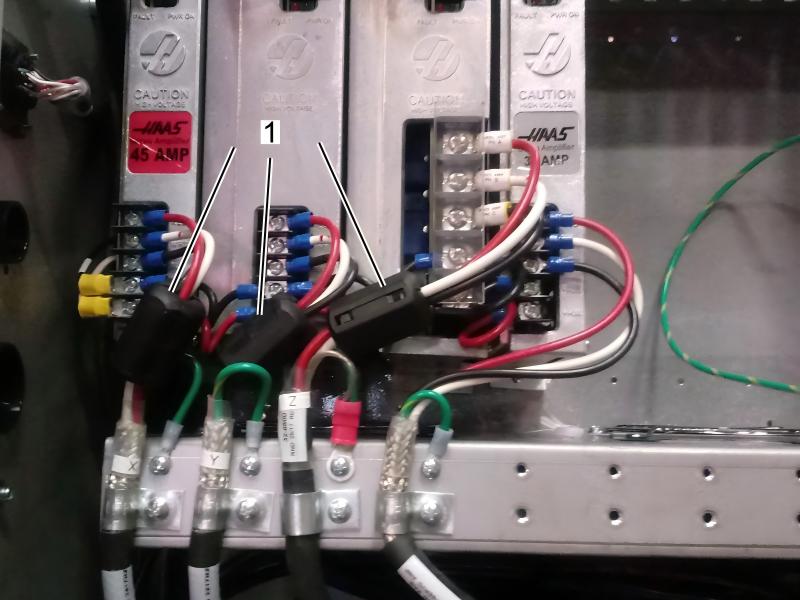
Modern CNC press brakes rely on communication between the controller, servo drives, and sensors.
If communication signals fail, the system may freeze.
I check the following components:
- Servo drive communication cables
- Encoder connections
- Backgauge motor wiring
- Fieldbus or EtherCAT cables
Loose connectors or damaged cables can interrupt signal transmission and trigger a Press Brake CNC System Freeze.
Reconnecting and tightening these cables often restores system stability.
Step 5: Check Power Supply Stability
Unstable voltage is another hidden reason behind CNC controller freezing.
I normally measure the power supply voltage and confirm:
- Stable input voltage
- Proper grounding
- No electrical interference
Installing voltage stabilizers or surge protection can significantly reduce the risk of Press Brake CNC System Freeze in factories with unstable power grids.
Preventing Press Brake CNC System Freeze in Daily Operation
Prevention is always better than repair. Over time, I’ve learned that simple maintenance habits can greatly reduce CNC system failures.
Regular CNC Software Updates
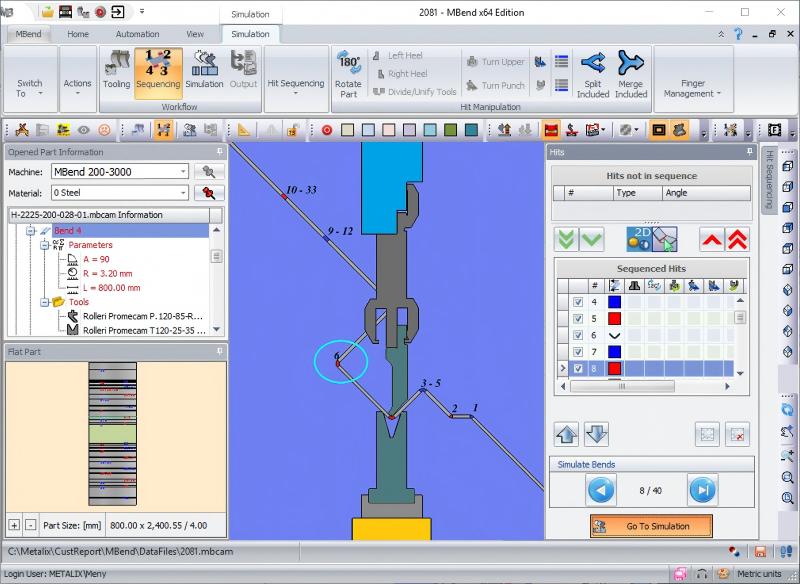
Updating the CNC software ensures compatibility with newer hardware and eliminates known system bugs.
Whenever the controller manufacturer releases firmware updates, I recommend installing them according to official instructions.
Scheduled Electrical Maintenance
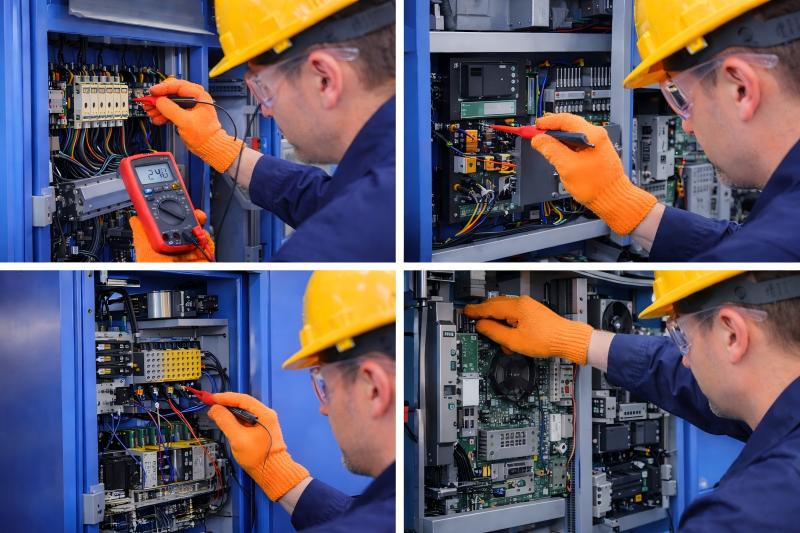
Routine inspections should include:
- Tightening electrical terminals
- Cleaning control cabinets
- Checking grounding systems
- Inspecting servo drivers
These steps help maintain stable electrical performance and prevent Press Brake CNC System Freeze events.
Proper CNC Program Management
Efficient program management is also important.
I always recommend:
- Removing unused bending programs
- Backing up important data regularly
- Organizing program folders logically
This reduces controller memory load and improves system responsiveness.
FAQs
Why does my Press Brake CNC System Freeze during bending operations?
The most common causes include software glitches, memory overload, communication failure with servo drives, overheating in the electrical cabinet, or unstable power supply.
Can restarting the machine solve a Press Brake CNC System Freeze?
In many cases, yes. Restarting clears temporary memory errors and resets the CNC controller. However, frequent freezing usually indicates deeper electrical or software issues.
How can I prevent Press Brake CNC System Freeze from happening again?
Regular maintenance of the electrical cabinet, stable power supply, proper program management, and periodic software updates can significantly reduce system freeze risks.
Does CNC controller overheating cause system freeze?
Yes. Poor ventilation or dust accumulation in the electrical cabinet can cause overheating, which may lead to controller malfunction or freezing.
Conclusion
A Press Brake CNC System Freeze can interrupt production and cause unexpected downtime, but most cases can be resolved through systematic troubleshooting. By checking the CNC controller, inspecting electrical components, verifying communication cables, and ensuring stable power supply, I can usually restore normal machine operation quickly.
More importantly, preventive measures such as regular maintenance, proper program management, and electrical inspections can greatly reduce the chances of future system freezes.
If your press brake continues experiencing CNC system issues, it’s best to consult experienced technicians or contact professional support for further diagnosis and technical assistance.


